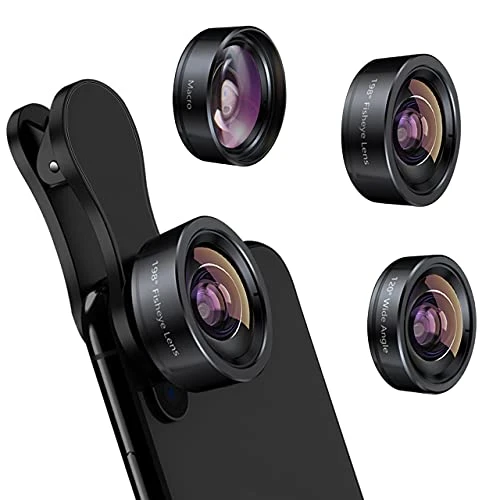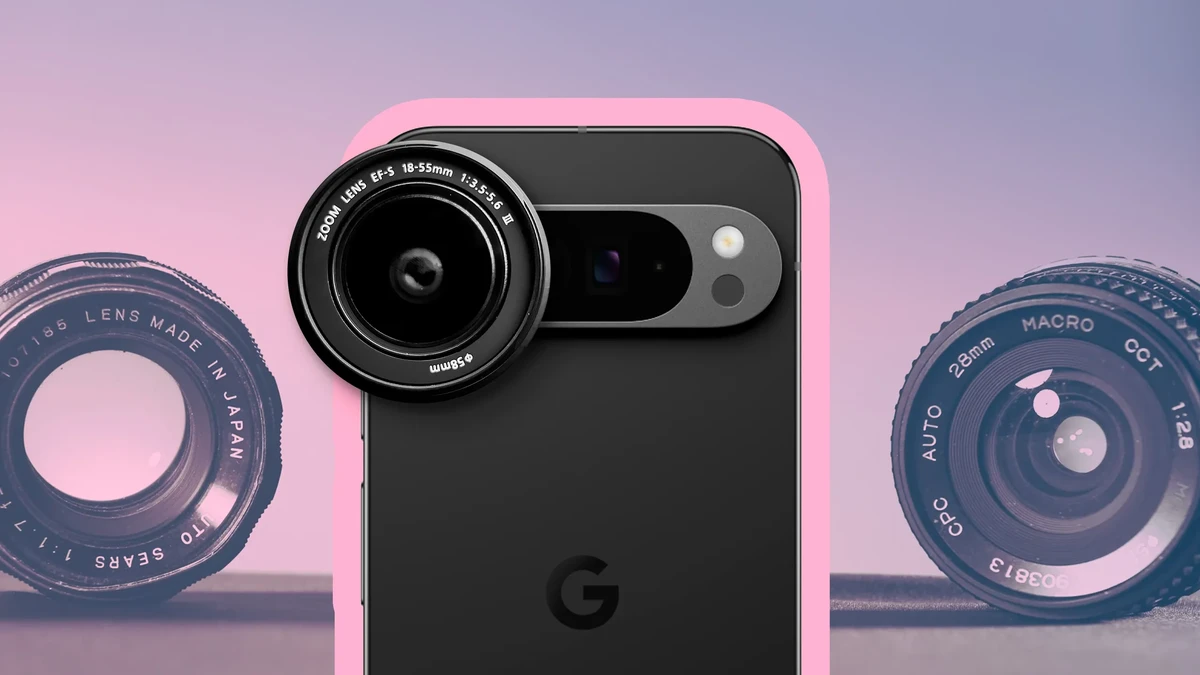
SnapRoamer.com – Smartphone lens filters have become indispensable tools for photographers and videographers aiming to elevate their mobile imagery beyond the limitations of built-in hardware. These accessories—including anamorphic and polarizer filters—enable users to achieve cinematic framing, reduce glare, and enhance color fidelity directly from their iPhone or Android devices. Mastery of lens filter types, mounting techniques, and camera app adjustments is essential to harness their full creative potential.
Anamorphic lenses, clip-on mounts, polarizer filters, and accessory systems from brands such as Moment, Freewell, Apexel, and Criacr have transformed smartphone cinematography into a professional-grade practice. This article provides an exhaustive analysis of how to effectively use lens filters on smartphones, covering mounting options, technical settings, cinematic effects, and practical considerations to optimize photography and videography outcomes.
Introduction to Smartphone Lens Filters
Lens filters for smartphones serve multiple purposes by modifying the light entering the camera sensor to achieve specific visual effects. Popular filter types include anamorphic lenses, polarizer filters, telephoto lenses, and wide-angle lenses, each addressing different photographic needs. Anamorphic lenses are prized for their ability to create cinematic aspect ratios such as 2.4:1 or 2.76:1, accompanied by characteristic horizontal lens flares. Polarizer filters specialize in reducing reflections and enhancing color saturation by filtering polarized light, especially from reflective surfaces like water or glass.
Clip-on lenses attach directly over the smartphone camera, while some filters integrate with phone cases or magnetic mounts, enhancing stability and alignment. These accessories extend the creative range of smartphone cameras, which typically have fixed focal lengths and limited optical control. The rise of cinematic mobile videography has driven demand for these filters, making understanding their functionality crucial for users seeking to elevate their content.
How to Mount Lens Filters on Smartphones
Mounting lens filters on smartphones requires attention to compatibility and stability to maintain image quality and usability. Clip-on lenses are the most common, snapping over the phone camera—either directly or via an adapter ring. However, clip-on mounts often block the phone’s built-in flash and can interfere with autofocus mechanisms, affecting low-light performance.
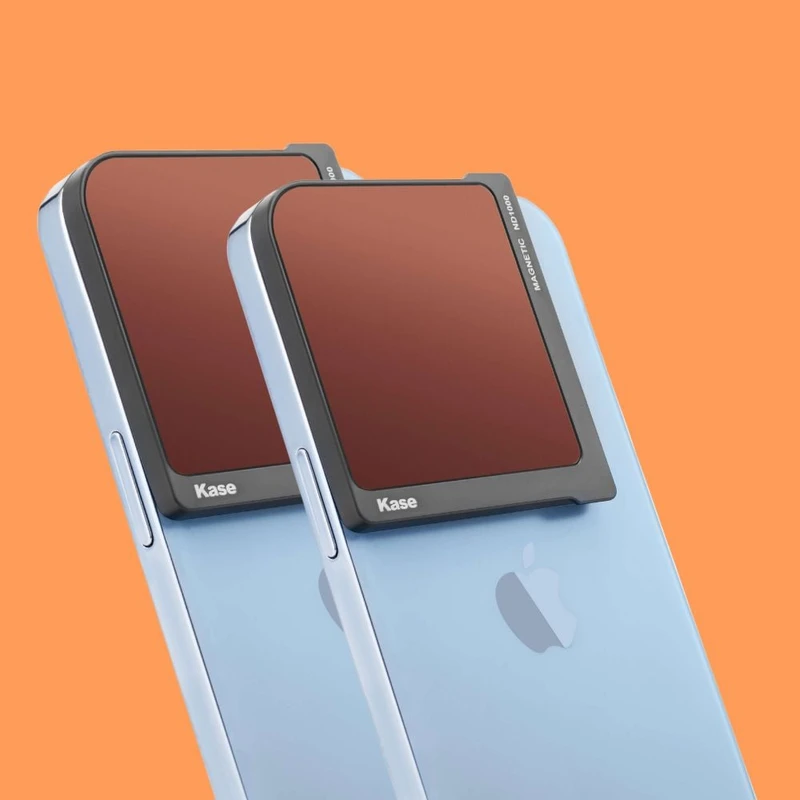
Phone case mounting systems offer improved alignment and ease of use. For example, Moment’s proprietary phone cases integrate threaded mounts that securely hold lenses in place, ensuring consistent positioning. Magnetic mounts compatible with MagSafe for iPhones or Qi2 wireless charging devices provide quick attachment and detachment but may require specific case models to function correctly.
Accessory mounts for tripods and cold shoes allow attachment of external lights or microphones, expanding functionality. Tripod mounts are often included in lens kits from manufacturers like Freewell and Criacr, facilitating stable shooting conditions essential for video work. Ensuring compatibility with the smartphone model and any protective cases is vital before purchasing lens filters.
Using Anamorphic Lenses for Cinematic Effects
Anamorphic lenses are engineered to stretch the image horizontally during capture, enabling widescreen cinematic aspect ratios that emulate traditional film aesthetics. Popular options include Freewell’s 1.33x and 1.55x anamorphic lenses and Moment’s 1.33x lens, each offering varying degrees of horizontal compression. The 1.33x lenses typically yield a 2.4:1 aspect ratio after de-squeezing, while 1.55x lenses approach 2.76:1, depending on the smartphone sensor and camera app used.
The signature horizontal lens flare produced by anamorphic lenses adds a cinematic hallmark not achievable with standard lenses. To correctly view these images, users must apply anamorphic de-squeeze settings in compatible camera apps. The Blackmagic Camera app is a leading choice, offering built-in anamorphic de-squeeze functionality that automatically stretches the footage during recording or post-processing.
Fine-tuning the lens position and rotation is critical to avoid vignetting or distortion. Some anamorphic lenses include adjustable focus and alignment rings, enabling precise calibration. When combined with tripod mounts and external video lights, anamorphic lenses can deliver professional-quality cinematic mobile videography.
Polarizer Filters: Reducing Glare and Enhancing Colors
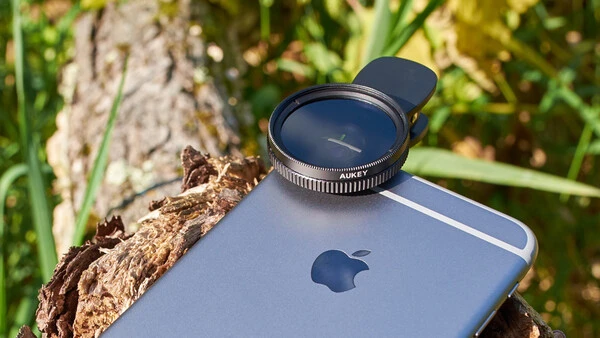
polarizer filters manipulate polarized light to minimize reflections and glare from non-metallic surfaces such as water, glass, or foliage. On smartphones, rotating the polarizer filter alters the angle of polarization, controlling the intensity of glare reduction. This dynamic adjustment allows photographers to optimize clarity and color saturation based on ambient lighting conditions.
Using a polarizer filter on a smartphone typically involves attaching the filter via a clip-on mount or integrating it into a phone case system. The rotating mechanism must be accessible and smooth for real-time adjustments. Polarizer filters also improve sky contrast in landscape photography, rendering deeper blues and richer textures.
However, polarizers reduce the overall light entering the lens, potentially necessitating longer exposure times or higher ISO settings, which can affect image noise and sharpness. Users should balance these factors, particularly when shooting handheld or in low-light scenarios.
Lens Filter Limitations and Considerations
Though smartphone lens filters enhance creative capabilities, they introduce trade-offs that users must consider. Clip-on lenses often obstruct the built-in flash, limiting the ability to capture well-lit images in dark environments. Autofocus speed and accuracy can decline due to added optical elements, particularly with lower-quality filters.
lens compatibility remains a key concern. Some filters require specialized phone cases or mounts to ensure proper alignment and stability, while others may not fit all smartphone camera configurations. For example, multi-camera arrays on modern smartphones like the iPhone or Samsung Galaxy require filters designed to cover multiple lenses or necessitate switching lenses manually.
Optical quality varies widely across brands and price points. Premium manufacturers such as Moment and Freewell invest in multi-coated glass elements to minimize chromatic aberration, distortion, and flare artifacts, while budget options may compromise image fidelity. Users should research product specifications and reviews before purchasing.
Recommended Lens Filter Kits and Brands
Top-tier lens filter kits combine quality optics with versatile mounting systems and useful accessories. Moment offers high-end lenses with durable metal mounts and proprietary phone cases, priced between $100 to $200 per lens. Freewell provides anamorphic and polarizer lenses with magnetic mounts compatible with MagSafe cases, often bundled with tripod adapters and carrying cases.
Apexel and Criacr cater to budget-conscious users, offering clip-on lens sets that include wide-angle, macro, and fisheye lenses alongside polarizers. These kits generally cost under $50 but may require patience with mounting precision and image quality consistency.
Sandmarc is another reputable brand focusing on iPhone-compatible lenses with robust build quality and cinematic emphasis. Many kits include additional accessories such as microfiber cleaning cloths, lens caps, and cold shoe mounts for attaching video lights, enhancing the mobile filmmaking workflow.
| Brand | Lens Types | Mount Type | Price Range | Key Accessories |
|---|---|---|---|---|
| Moment | Anamorphic (1.33x), Polarizer, Telephoto, Wide-angle | Proprietary phone case mount | $100 – $200 per lens | Tripod mount, carrying case, cleaning kit |
| Freewell | Anamorphic (1.33x, 1.55x), Polarizer | Magnetic mounts (MagSafe compatible) | $80 – $150 per lens | Tripod adapter, cold shoe mount, carrying case |
| Apexel | Polarizer, Wide-angle, Macro, Fisheye | Clip-on mount | Under $50 | Lens caps, cleaning cloth |
| Criacr | Polarizer, Wide-angle, Macro | Clip-on mount | Under $40 | Carrying pouch, cleaning cloth |
| Sandmarc | Anamorphic, Polarizer, Wide-angle | Proprietary phone case mount | $90 – $180 per lens | Tripod mount, lens cover |
Practical Tips for Maximizing Lens Filter Use
Maintaining lens filter clarity is essential for optimal image quality. Regular cleaning with microfiber cloths and lens cleaning solutions prevents smudges and dust. Users should avoid touching optical surfaces directly and store filters in protective cases included with most kits.
Combining lens filters with advanced smartphone camera settings enhances results. For example, using manual focus and exposure controls within apps like Moment Pro Camera or Samsung’s native camera app allows photographers to compensate for light loss introduced by polarizers. Activating anamorphic de-squeeze in apps such as the Blackmagic Camera app ensures correct aspect ratios without post-processing.
Tripod mounts stabilize the smartphone during long exposures or video recording, reducing motion blur. Adding external video lights via cold shoe mounts improves illumination, particularly when using lenses that partially obstruct the phone’s flash. Properly balancing these accessories creates a professional mobile filmmaking setup suitable for diverse environments.
FAQ
What is the difference between clip-on and phone case-mounted lenses?
Clip-on lenses attach directly over the smartphone camera and offer quick installation but can obstruct the flash and affect autofocus. Phone case-mounted lenses integrate with specially designed cases, providing better alignment, stability, and often compatibility with magnetic mounts like MagSafe, though they require purchasing a specific case model.
How do anamorphic lenses create cinematic aspect ratios on smartphones?
Anamorphic lenses compress the horizontal field of view onto the camera sensor, capturing a wider scene than the native sensor width. When footage is de-squeezed in compatible camera apps, the image stretches horizontally to classic cinematic aspect ratios such as 2.4:1, creating a widescreen effect with unique lens flares characteristic of cinema.
Can polarizer filters affect smartphone camera exposure?
Yes, polarizer filters reduce the amount of light entering the lens by filtering polarized light waves. This can necessitate longer exposure times or higher ISO settings, potentially impacting image sharpness and noise levels, especially in low-light conditions.
Are lens filters compatible with all smartphone models?
Lens filter compatibility depends on the phone’s camera layout, size, and case design. Multi-camera smartphones may require filters designed to cover multiple lenses or switching lenses manually. Magnetic mounts and proprietary case mounts often limit compatibility to specific phone models or require additional adapters.
Do lens filters block the smartphone’s built-in flash?
Most clip-on lenses block the built-in flash due to their physical placement over the camera module. Phone case-mounted lenses often allow more clearance, but users frequently rely on external video lights attached via cold shoe mounts to supplement lighting when using filters.
Using a lens filter on a smartphone involves attaching the filter—such as anamorphic or polarizer lenses—via clip-on mounts or phone cases, then adjusting settings or rotating the filter to control effects like cinematic aspect ratio and glare reduction, enhancing image and video quality. For detailed guidance on anamorphic lens use with iPhones, consult Freewell’s official guide. Comprehensive reviews of the best smartphone lenses, including Moment and Apexel, are available from The New York Times Wirecutter.
As smartphone photography and videography continue evolving, future developments may include integrated lens filter controls within native camera apps and enhanced AI-based image optimization tailored to specific filter types. Additionally, advancements in clip-on mount technology and magnetic systems could improve ease of use, making professional-level mobile cinematography increasingly accessible.