SnapRoamer.com – Photo editing apps have become indispensable tools for travelers seeking to elevate their Instagram travel photos with professional-quality visuals directly from their mobile devices. Leading apps like Snapseed, VSCO CAM, Adobe Lightroom, and Tezza App offer advanced editing features tailored to the unique challenges of travel photography, such as variable lighting conditions, diverse landscapes, and the need for consistent aesthetic branding. These apps support selective adjustments, a wide range of filter presets, and video editing capabilities, empowering users to create visually compelling Instagram posts and stories without desktop software.
Snapseed’s free availability combined with its powerful Selective Adjust tool enables targeted editing on specific areas of a photo, allowing users to fine-tune brightness, saturation, and shadows with precision. VSCO CAM is recognized for its curated filter packs that deliver cohesive, film-inspired aesthetics favored by travel influencers, making it easier to maintain a consistent Instagram feed. Adobe Lightroom stands out for professional photographers requiring RAW image support and granular control over exposure, clarity, and color grading. Meanwhile, the Tezza App has gained popularity for its creative overlays, including dust effects and vintage textures, which add distinctive branding and artistic flair to travel images. Together, these apps address the diverse needs of Instagram travel content creators, enhancing photo quality while simplifying the editing workflow.
Leading Photo Editing Apps for Instagram Travel Photos
Snapseed, developed by Google, remains a top choice among travel photographers due to its comprehensive feature set and zero cost. Its Selective Adjust tool allows users to isolate and edit specific regions within an image, adjusting parameters like brightness, contrast, and saturation without affecting the entire photo. This capability is particularly valuable for travel photos where uneven lighting is common, such as bright skies paired with shadowed foregrounds. Snapseed supports various other tools, including healing, perspective correction, and a range of filters, making it a versatile editor suited for both beginners and more experienced users. Travel influencer Michael Lax (@michaellaxphoto) often cites Snapseed as a cornerstone of his mobile editing workflow, praising its balance of simplicity and precision.
VSCO CAM emphasizes artistic filter presets inspired by analog film aesthetics, providing users with a visually appealing starting point for editing travel photos. Its interface prioritizes ease of use with batch editing capabilities and an integrated social platform that encourages creative sharing. VSCO’s filter packs range from warm, moody tones to bright, vibrant styles, enabling users to tailor their Instagram feeds to specific visual themes. While VSCO offers a free version, many popular presets require a subscription, reflecting its focus on professional-quality aesthetics. The app also supports manual adjustments for exposure, temperature, and clarity, giving users flexibility beyond presets.
Adobe Lightroom Mobile delivers professional-grade editing tools suitable for travel photographers who demand advanced control and RAW file support. Lightroom enables detailed tone curve adjustments, color grading, and the use of local adjustment brushes, making it ideal for refining complex images captured in challenging environments. Its integration with Adobe’s Creative Cloud allows seamless syncing between mobile devices and desktops, facilitating a comprehensive editing workflow. Lightroom’s ability to handle RAW images captured with smartphone cameras or dedicated travel gear like the DJI Pocket 3 enhances detail preservation and dynamic range. Lightroom’s subscription model provides access to premium features, including selective edits and healing tools, positioning it as a robust platform for serious content creators.
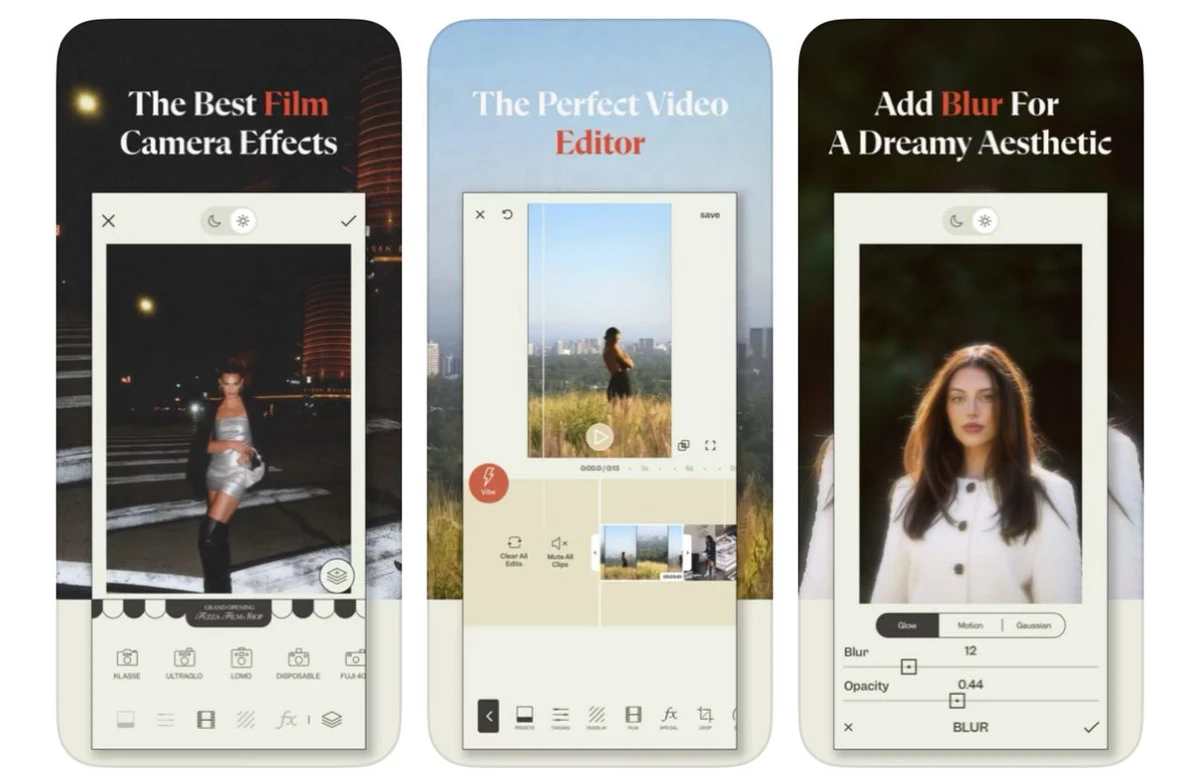
Tezza App has gained traction among Instagram travel content creators for its blend of photo and video editing features combined with unique effects such as dust overlays, light leaks, and vintage textures. These creative tools help travelers develop a distinctive brand identity on social media. Tezza also supports video editing functionalities, enabling the enhancement of Instagram Stories and Reels with filters and overlays that complement static images. The app’s user-friendly interface and preset-based editing make it accessible to users with varying skill levels. Its frequent updates and collaborations with influencers maintain its relevance in the fast-evolving social media landscape.
Additional Recommended Apps and Features
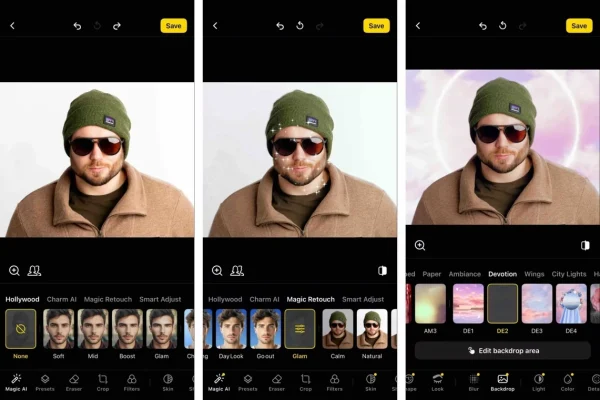
Afterlight and Polarr extend the range of creative options available for travel photo editing, offering expansive filter libraries and specialized effects. Afterlight is known for its intuitive interface and features like texture overlays, gradient maps, and customizable filters that enhance color vibrancy and mood. Polarr excels in AI-powered enhancements and batch editing, allowing travelers to apply consistent edits across multiple photos efficiently. Both apps provide manual adjustment tools, including clarity, exposure, and saturation controls, facilitating detailed photo enhancement.
Instagram’s native editor remains a fundamental tool for quick adjustments and social media integration, offering basic tools such as brightness, contrast, warmth, and vignette. While it lacks the depth of dedicated editing apps, Instagram’s editor is convenient for final touch-ups and direct posting, streamlining the content creation process.
Pixelmator and PicMonkey cater to users requiring advanced editing and retouching capabilities on mobile devices. Pixelmator provides layer-based editing, powerful selection tools, and graphic design features, enabling creative compositing and text overlay for travel photos. PicMonkey offers retouching tools, including blemish removal and teeth whitening, along with design templates for Instagram posts, supporting a polished and professional visual presentation.
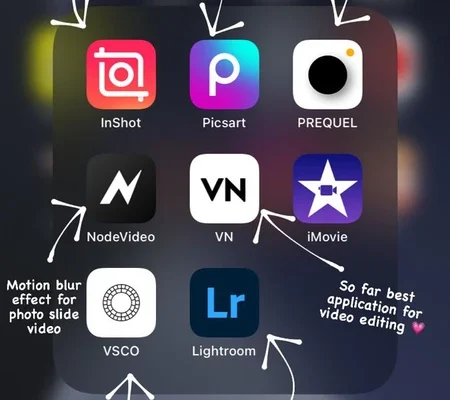
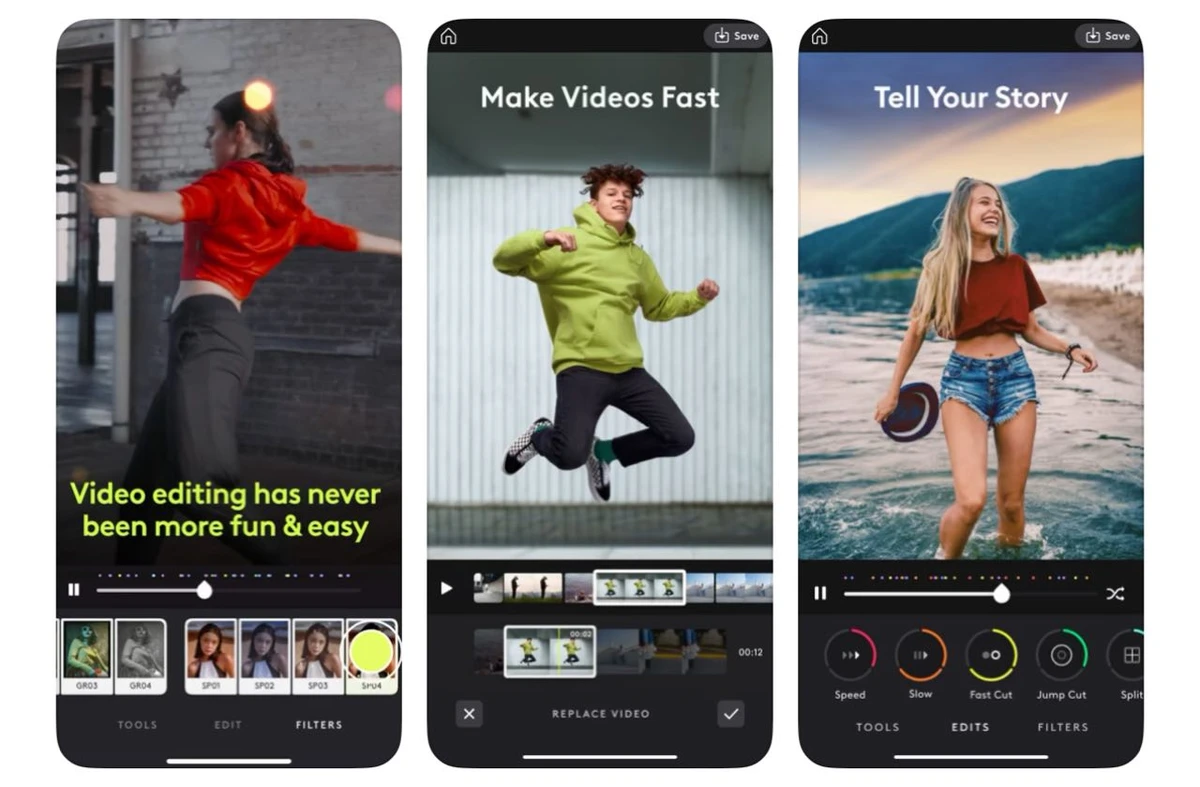
InShot is favored for video editing on Instagram, particularly for Stories and Reels. It supports trimming, speed adjustment, text overlays, and music integration, essential for dynamic travel content. InShot’s user-friendly interface allows rapid editing, making it a popular choice among travel influencers who produce both photo and video content for their feeds.
Practical Editing Tips for Travel Photos on Instagram
Selective adjustments are critical for balancing exposure in travel photos featuring high contrast scenes, such as sunlit landscapes with shadowed foregrounds. Using Snapseed’s Selective Adjust or Lightroom’s local adjustment brushes, travelers can fine-tune brightness and shadows precisely, enhancing image depth and detail. This targeted editing prevents overexposure or underexposure in specific areas, a common challenge in outdoor photography.
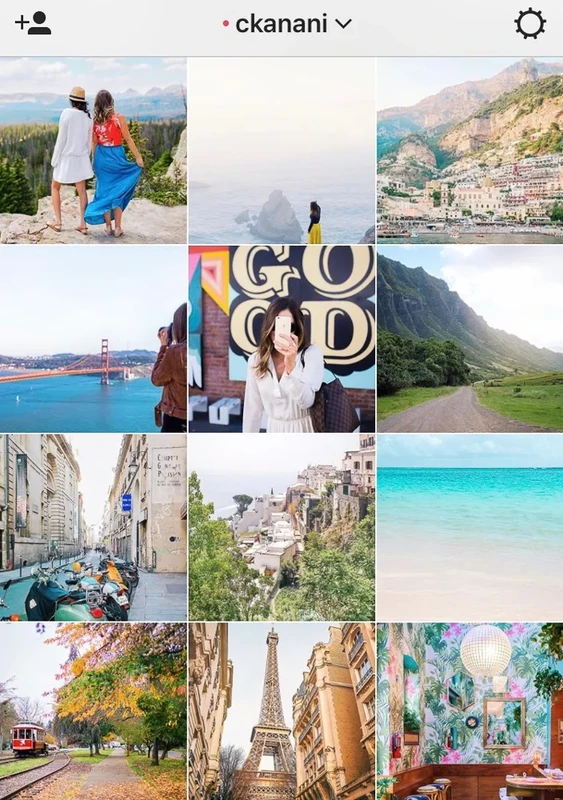
Applying consistent filter presets across a series of travel photos helps maintain a cohesive Instagram feed aesthetic. VSCO and Tezza’s curated presets facilitate this by providing color grading and tonal adjustments that unify diverse images. Travel photographers often create custom presets combining color temperature, saturation, and contrast tweaks to reinforce their unique visual styles.
Manual and RAW shooting apps like Halide are instrumental in capturing higher-quality images before editing. Halide offers advanced manual controls for focus, ISO, shutter speed, and RAW capture, preserving maximum detail and dynamic range. Editing RAW files in Adobe Lightroom unlocks greater flexibility for exposure correction and color grading, essential for professional travel photography workflows.
Combining multiple apps enables layered edits and creative effects. For example, a user might capture RAW photos with Halide, apply base edits and selective adjustments in Lightroom, add artistic overlays in Tezza, and finalize video content in InShot. This multi-app workflow leverages the strengths of each platform, resulting in polished and visually compelling Instagram travel content.
Video Editing for Instagram Travel Content
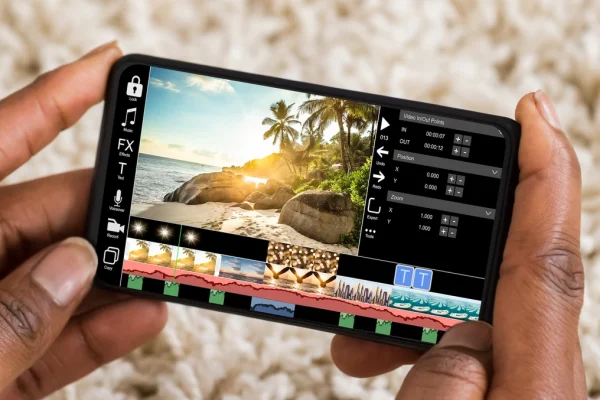
Video content is increasingly vital for Instagram travel creators, with Stories and Reels driving engagement. InShot stands out as a preferred video editing app, offering essential tools such as trimming, speed ramping, text and sticker overlays, and music synchronization. These features allow travel influencers to produce dynamic, engaging videos that complement their photo posts.
Basic video enhancements in InShot include applying filters consistent with photo edits to ensure aesthetic harmony across visual formats. Overlays like light leaks or dust effects, similar to those available in Tezza for photos, can be integrated into videos to maintain branding consistency. Speed adjustments enable users to create time-lapse or slow-motion effects, enhancing storytelling. Text and music overlays add narrative and emotional layers to travel videos, increasing viewer retention.
User Experience and Workflow Recommendations
Balancing simplicity and advanced features depends on the user’s editing skill level and creative goals. Beginners may prioritize apps like Snapseed and VSCO for their ease of use and effective presets, while professionals benefit from Lightroom’s granular control and RAW support. Experienced travel photographers recommend experimenting with multiple apps to discover unique creative combinations that align with individual styles.
Influencers such as Michael Lax emphasize the importance of developing a consistent editing style that reflects personal branding and enhances storytelling. They advise leveraging selective adjustments to address lighting challenges and using presets judiciously to avoid a generic look. Incorporating video editing apps like InShot expands content versatility and engagement on Instagram.
Ongoing experimentation with new tools and effects, such as Tezza’s dust overlays or Polarr’s AI enhancements, helps travelers stay current with evolving Instagram trends. Combining practical editing techniques with creative exploration enables the development of a distinctive and professional travel photography portfolio optimized for social media impact.
| App | Key Features | Cost | Best For | Platform |
|---|---|---|---|---|
| Snapseed | Selective Adjust, Healing, Perspective Correction, Filters | Free | Free, precise selective editing | iOS, Android |
| VSCO CAM | Preset Filters, Batch Editing, Social Sharing | Free + Subscription for advanced filters | Consistent aesthetics, film-inspired presets | iOS, Android |
| Adobe Lightroom | RAW Support, Local Adjustments, Tone Curve | Subscription | Professional-grade editing, RAW workflow | iOS, Android, Desktop |
| Tezza App | Creative Overlays, Dust Effects, Video Editing | Subscription | Unique branding, photo & video editing | iOS, Android |
| Afterlight | Texture Overlays, Filters, Gradient Maps | Free + In-app purchases | Creative filter variety | iOS, Android |
| Polarr | AI Enhancements, Batch Editing | Free + Subscription | Efficient batch edits, AI-powered tools | iOS, Android, Desktop |
| InShot | Video Trimming, Speed Control, Music & Text Overlays | Free + In-app purchases | Instagram video editing | iOS, Android |
FAQ
What is the best free app for selective photo editing on mobile?
Snapseed is widely regarded as the best free mobile app for selective photo editing due to its powerful Selective Adjust tool, which allows precise control over brightness, contrast, and saturation in specific areas of an image.
Which app offers the most professional features for editing travel photos?
Adobe Lightroom Mobile provides the most professional features, including RAW file support, detailed tone curve adjustments, and local editing brushes, making it ideal for travel photographers seeking high-level control on mobile devices.
Can I edit both photos and videos with the same app?
Yes, the Tezza App supports both photo and video editing with creative overlays and effects, while InShot is another popular option specializing in video editing for Instagram Stories and Reels.
How do preset filters help maintain an Instagram feed’s aesthetic?
Preset filters apply consistent color grading and tone adjustments across multiple photos, creating a unified look that enhances visual branding and makes an Instagram feed more appealing and professional.
Is it beneficial to combine multiple editing apps for travel photography?
Combining multiple apps leverages each app’s strengths, such as capturing RAW photos with Halide, editing base exposure in Lightroom, adding artistic overlays in Tezza, and finalizing videos in InShot, resulting in more polished and creative travel content.
For further insights and user reviews of these apps, see this comprehensive travel photo editing apps overview and the best editing apps for Instagram guide.
As Instagram evolves, travel photographers are increasingly integrating AI-powered enhancements and video capabilities into their mobile workflows. Staying informed about app updates and experimenting with emerging tools will be crucial for maintaining a competitive edge in visual storytelling on social media platforms.