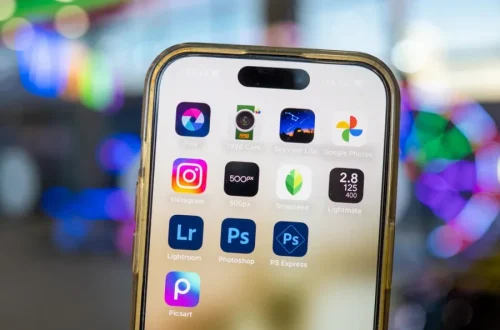
SnapRoamer.com – Smartphone photography editing apps in 2026 have evolved significantly, driven by advances in AI-powered tools and the increasing sophistication of smartphone cameras such as the iPhone 17 Pro and Xiaomi 17 Ultra. These devices capture images with exceptional detail and color accuracy, necessitating equally powerful mobile photo editors that support RAW formats, offer advanced manual controls, and integrate seamlessly with desktop workflows. The current landscape features a mix of free and subscription-based apps that cater to diverse editing styles, from preset-driven aesthetics to fine-tuned manual adjustments. Leading apps incorporate generative AI features for background removal and correction, alongside traditional tools like exposure adjustment and selective retouching, enabling photographers to edit complex images entirely on mobile devices.
With iOS 26 and Android 16 introducing deeper operating system-level AI enhancements, photo editing apps have leveraged these capabilities to offer faster, more intelligent workflows. Integration with cloud services and Creative Cloud ecosystems further enhances cross-device editing fluidity. Users seeking the best photo editing apps for smartphones in 2026 must consider multiple factors, including their preferred editing approach, device compatibility, AI tool sophistication, and budget constraints. This article evaluates top contenders such as Adobe Lightroom Mobile, Snapseed, VSCO, Apple Photos, and Affinity Photo, providing an expert, balanced analysis to guide users toward the most suitable choice.
Adobe Lightroom Mobile: The Industry Standard for Professional Editing
Adobe Lightroom Mobile remains the preeminent photo editing app for smartphone photographers in 2026, combining a comprehensive feature set with robust AI integration and seamless desktop workflow compatibility. Lightroom supports full RAW editing, allowing users to manipulate images captured on high-end smartphones like the iPhone 17 Pro and Xiaomi 17 Ultra with professional precision. Its selective adjustment tools enable targeted corrections to exposure, color balance, and sharpness, while AI-powered features such as background blur and generative object removal automate complex edits previously confined to desktop software.
Lightroom Mobile’s integration with Adobe Creative Cloud facilitates a unified workflow, enabling photographers to start edits on their smartphones and continue seamlessly on desktop versions. This cross-platform compatibility is especially valuable for professionals who require consistency across devices. The app offers a free tier with essential editing tools, but advanced features like cloud storage, premium presets, and AI enhancements require a subscription, typically bundled with Adobe’s Creative Cloud Photography Plan.
Device compatibility spans both iOS 26 and Android 16 platforms, optimized to exploit hardware accelerations and camera RAW formats such as Apple ProRaw. User feedback consistently praises Lightroom’s intuitive interface paired with its advanced capabilities, making it suitable for both amateur enthusiasts and seasoned professionals. Its balance of manual controls and AI automation positions it as the benchmark in mobile photo editing for 2026.
Snapseed: A Versatile and Powerful Free Editor
Snapseed, developed by Google, continues to be one of the most versatile free photo editing apps available in 2026, widely appreciated for its extensive suite of professional-grade tools and user-friendly interface. Supporting RAW DNG files, Snapseed enables non-destructive editing with 29 specialized tools including healing, selective brush, HDR enhancement, and perspective correction. Its AI-driven features assist users in correcting lens distortions and optimizing image details automatically, enhancing workflow efficiency without sacrificing creative control.
Unlike subscription-based models, Snapseed offers its full feature set at no cost, attracting users who prefer a flexible editing environment without financial commitment. The app’s ability to save customized “Looks” (user presets) facilitates repeatable editing styles, which is valuable for maintaining aesthetic consistency across photo batches. Snapseed’s compatibility with both iOS 26 and Android 16 ensures broad accessibility for smartphone photographers.
User experience reviews highlight Snapseed’s balance between simplicity and depth, making it suitable for beginners exploring manual adjustments and professionals requiring detailed control. Its comprehensive toolset and reliability make it a standout option for mobile RAW editing and quick corrections, especially for those prioritizing cost-effective solutions.
VSCO: Preset-Driven Editing for Aesthetic Consistency
VSCO remains a leader in preset-driven photo editing in 2026, favored by users seeking cohesive visual aesthetics for social media and personal branding. Its extensive curated library of film-inspired filters and color profiles caters to creatives focused on mood and tone rather than granular manual adjustments. Custom recipe saving allows users to replicate specific looks across multiple images, supporting efficient batch editing workflows.
While VSCO offers a basic free version with essential editing tools and limited presets, the full suite of advanced presets, film simulations, and features like video editing requires a paid subscription. The app’s emphasis on community and sharing fosters a social platform where photographers can showcase edited images and discover trends.
VSCO’s editing tools include basic exposure adjustments, contrast, and sharpening, but it lacks the deep manual controls and AI-powered corrections found in Adobe Lightroom or Snapseed. Compatibility with iOS 26 and Android 16 ensures smooth performance on flagship devices like the iPhone 17 Pro. Its focus on preset-driven workflows appeals primarily to users prioritizing aesthetic uniformity and simplicity over comprehensive manual editing.
Other Notable Apps and Specialized Features
Google Photos complements smartphone photography workflows with basic editing capabilities augmented by AI features such as distraction removal and automatic enhancements. While not a full-fledged editor, it excels in photo organization and seamless sharing, especially with Android 16’s integrated AI optimizations. Apple Photos, tightly integrated with iOS 26, offers AI-powered cleanup, visual lookup, and supports Apple ProRaw editing, enhancing the native editing experience for iPhone 17 Pro users.
Affinity Photo Mobile provides advanced manual control without a subscription model, appealing to photographers who require desktop-class editing tools on mobile. Features include detailed masking, layering, and pixel-level adjustments, positioning it as a hybrid between mobile and desktop editors. Specialized shooting apps like Camera+ and ProShot cater to iOS photographers looking to maximize camera hardware capabilities before editing, offering manual exposure, focus controls, and RAW capture modes.
These apps collectively address different stages of the mobile photography workflow, from capture to post-processing and sharing, allowing users to tailor their app ecosystem to specific needs.
Choosing the Right App for Your Smartphone Photography
Selecting the optimal photo editing app in 2026 depends on several factors including editing style preference, device compatibility, budget, and workflow integration needs. Users favoring granular control and professional-grade AI tools will find Adobe Lightroom Mobile’s combination of manual adjustments and generative AI indispensable, especially when paired with desktop Creative Cloud workflows. Those seeking a robust free option with strong manual tools should consider Snapseed, which supports sophisticated edits without subscription barriers.
For photographers prioritizing aesthetic presets and social sharing, VSCO remains the premier choice, albeit with subscription costs for full feature access. Device-specific considerations also play a role: iPhone 17 Pro users can leverage Apple Photos’ deep iOS integration and ProRaw support, while Android users may benefit from Google Photos’ AI enhancements and Snapseed’s Android optimization.
Budget-conscious users must weigh the value of subscription services against free alternatives, considering the frequency and complexity of their editing needs. Workflow preferences, whether standalone mobile editing or cross-device synchronization, further influence app selection. Understanding the balance between AI automation and manual control is critical for matching app capabilities with user skill levels and creative goals.
Emerging Trends and the Future of Mobile Photo Editing
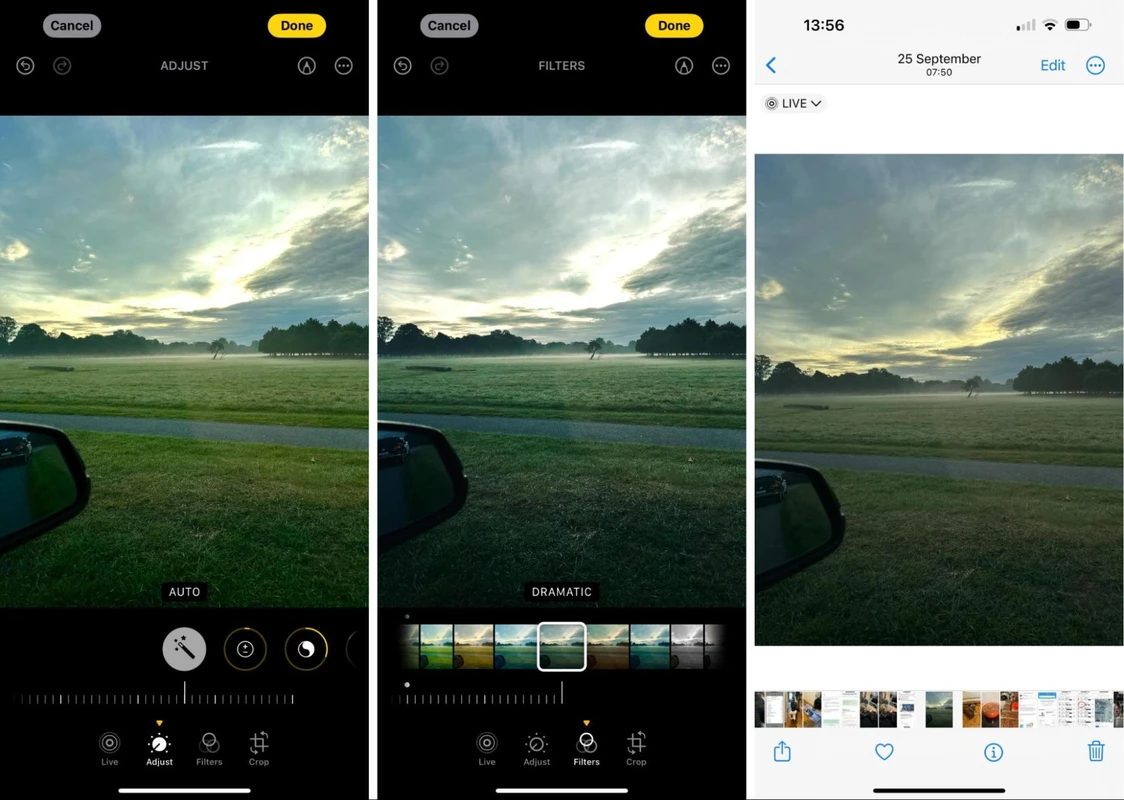
The trajectory of mobile photo editing in 2026 points toward greater AI automation and generative editing capabilities, enabling users to perform complex corrections and creative modifications with minimal manual input. Advances in on-device AI allow faster processing and enhanced privacy, reducing reliance on cloud services. Cross-device editing fluidity continues to improve, with cloud-based workflows becoming the norm for photographers balancing mobile spontaneity with desktop precision.
Organizational tools powered by AI, such as automatic tagging, facial recognition, and intelligent album creation, streamline photo management on smartphones. Integration with social media platforms is deepening, offering real-time sharing and editing feedback loops. Specialized AI tools, including face beautification and scene recognition, are becoming more sophisticated and customizable.
As smartphone cameras evolve, producing RAW images with higher bit depths and dynamic range, editing apps will increasingly support these formats and leverage AI to maximize image quality. Users can expect more seamless workflows that blend manual artistry with AI efficiency, enabling creative possibilities previously limited to professional desktop environments.
| App | Key Features | AI Capabilities | Platform Compatibility | Pricing Model |
|---|---|---|---|---|
| Adobe Lightroom Mobile | RAW editing, selective adjustments, desktop sync, presets | Background blur, generative remove, AI exposure | iOS 26, Android 16 | Free tier + subscription (Creative Cloud) |
| Snapseed | 29 tools, RAW support, healing, HDR, perspective | AI lens correction, detail enhancement | iOS 26, Android 16 | Free |
| VSCO | Preset filters, custom recipes, basic edits | Limited AI, mainly preset-driven | iOS 26, Android 16 | Free + subscription for full features |
| Apple Photos | Basic edits, AI cleanup, ProRaw support | Visual lookup, AI auto-enhancements | iOS 26 (iPhone 17 Pro optimized) | Free (built-in) |
| Affinity Photo | Layering, masking, pixel-level edits | Minimal AI, manual focus | iOS 26 | One-time purchase |
The table above summarizes leading smartphone photo editing apps in 2026, highlighting their core capabilities and business models. This comparison aids users in aligning app features with personal requirements and device ecosystems.
FAQ
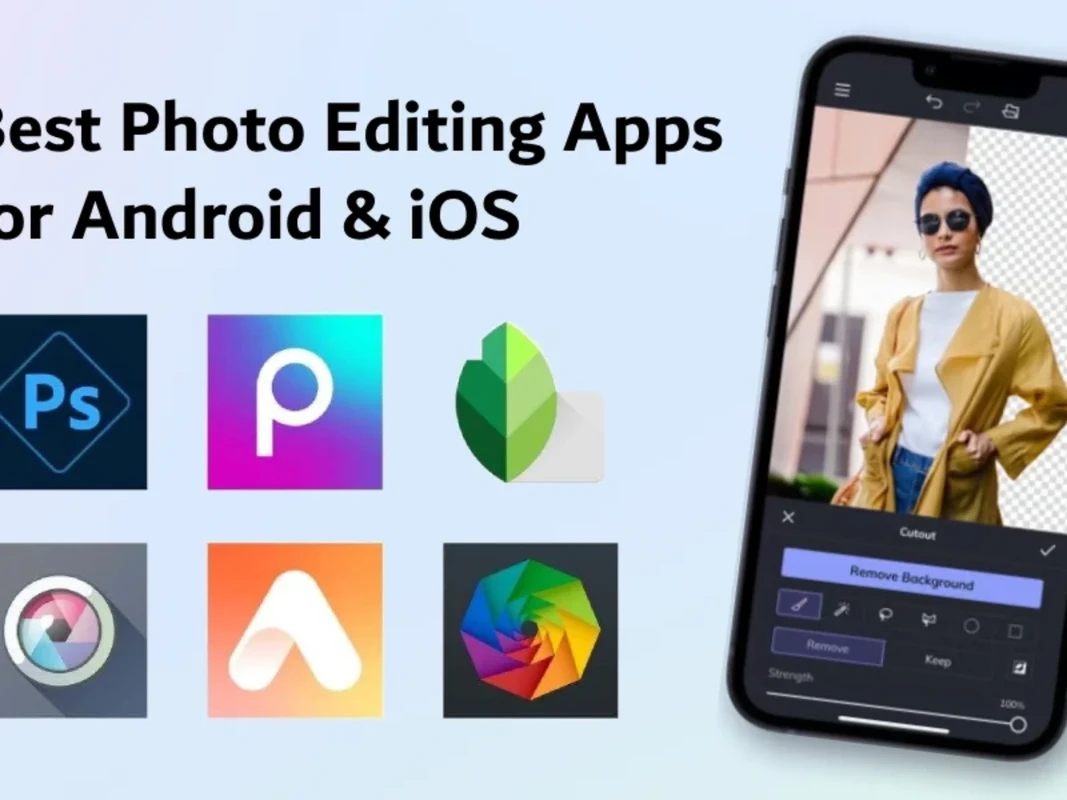
What is the best photo editing app for smartphones in 2026?
Adobe Lightroom Mobile is widely regarded as the best due to its combination of AI-driven editing tools, comprehensive manual controls, and seamless desktop workflow integration. It supports advanced RAW editing and generative AI features that enhance image quality and editing efficiency.
Are there free photo editing apps with professional features?
Yes, Snapseed offers a powerful free option with 29 professional tools, RAW DNG support, and AI-assisted corrections, making it suitable for both beginners and experienced users without subscription costs.
How does AI enhance mobile photo editing?
AI automates complex tasks such as background removal, selective exposure adjustments, and image retouching, speeding up workflows and enabling users to achieve professional results with less manual effort. AI also improves photo organization through automatic tagging and facial recognition.
Can I edit RAW photos on mobile devices effectively?
Modern apps like Adobe Lightroom Mobile and Snapseed fully support mobile RAW editing, allowing detailed adjustments to exposure, color, and sharpness directly on smartphones like the iPhone 17 Pro and Xiaomi 17 Ultra, ensuring high-quality output comparable to desktop editing.
Is subscription necessary for advanced photo editing apps?
Many advanced apps, including Adobe Lightroom and VSCO, offer free tiers with basic tools but require paid subscriptions to access premium features such as extensive presets, AI enhancements, and cloud storage. Users should evaluate their editing frequency and feature needs before subscribing.
As smartphone photography and editing apps continue to evolve, users must balance the benefits of AI-powered automation, manual control, device compatibility, and cost. Staying informed about the latest software updates and emerging trends will ensure photographers maximize their creative potential in 2026 and beyond.
For more detailed reviews and comparisons, see Wirecutter’s photo editing app reviews and Them Frames expert photo app analysis.