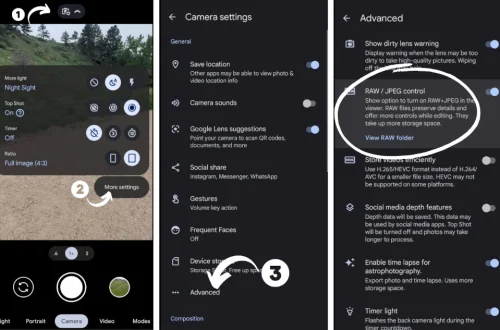
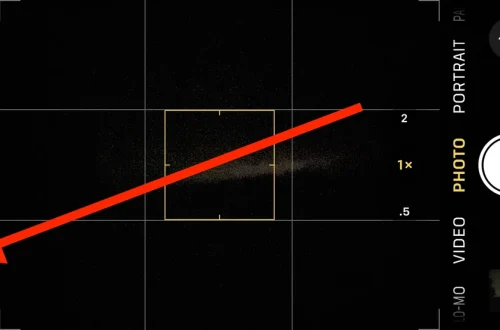
SnapRoamer.com – Exposure tools integrated into smartphone photography apps have revolutionized manual control over image capture, allowing users to precisely adjust aperture, shutter speed, and ISO directly from their mobile devices. These apps provide real-time exposure previews, exposure locking, focus peaking, and other advanced features that elevate the quality of smartphone photography, bridging the gap between casual snapshots and professional-grade images. As smartphones increasingly incorporate sophisticated sensors and computational photography algorithms, apps such as Lux Light Meter Pro, myLightMeter Pro, Camera+ and Optika Pro provide essential tools for photographers to master exposure on the go.
Smartphone exposure tools enable users to harness the principles of the exposure triangle—aperture, shutter speed, and ISO—within an accessible and portable interface. By leveraging device sensors alongside software algorithms, these apps offer functionalities traditionally reserved for dedicated cameras, including manual exposure adjustment, histogram monitoring, and RAW shooting. This detailed control is crucial in diverse lighting conditions, from bright daylight to challenging low-light environments, empowering photographers to optimize image quality and creative expression.
Evolution of Light Metering: From Traditional Devices to Smartphone Apps
Traditional light meters, once indispensable for professional photographers, measured incident or reflected light using dedicated sensors separate from the camera. These devices provided accurate exposure readings but lacked portability and instant feedback integration with the capture device. Modern smartphone light meter apps utilize the phone’s built-in ambient light sensors or camera sensors to estimate scene luminance, enabling instant exposure measurement without additional hardware.
Apps like Lux Light Meter Pro employ calibrated sensor data to deliver precise lux readings and exposure values (EV), supporting photographers in determining optimal camera settings. Unlike standalone meters, smartphone apps offer the advantage of real-time visual feedback and the convenience of carrying a single device. However, due to smaller sensor sizes and varying calibration standards among smartphones, these apps may exhibit limitations in extreme lighting scenarios compared to dedicated meters.
The seamless integration of exposure metering into smartphone photography apps marks a significant advance, enabling users to analyze and adjust exposure in real time, with immediate visual confirmation through live previews. This evolution enhances workflow efficiency and creative control, making manual exposure accessible to a broader audience.
Key Features of Smartphone Exposure Tools
Smartphone photography apps incorporate a suite of exposure tools designed to provide granular manual control traditionally associated with DSLR and mirrorless cameras. These features include:
These features collectively enhance exposure precision, enabling photographers to adapt to varying conditions and capture images with optimal detail and dynamic range.
Leading Smartphone Exposure Apps and Their Capabilities
Several smartphone apps have emerged as leaders in offering comprehensive exposure control, each with unique strengths:
These apps collectively reflect the growing sophistication of smartphone photography, offering tools that rival traditional cameras’ exposure functionality.
Advanced Exposure Tools and Techniques in Smartphone Apps
Beyond basic manual controls, many smartphone exposure apps include advanced features that expand creative potential:
These advanced tools empower photographers to experiment with complex lighting scenarios and creative techniques, enhancing the expressive capabilities of smartphone photography.
Practical Benefits and Limitations of Smartphone Exposure Tools
Smartphone exposure tools offer significant benefits for image quality and creative control:
However, limitations remain:
Despite these constraints, smartphone exposure apps provide a powerful toolkit for photographers seeking manual control without traditional camera equipment.
The Future of Exposure Control in Mobile Photography
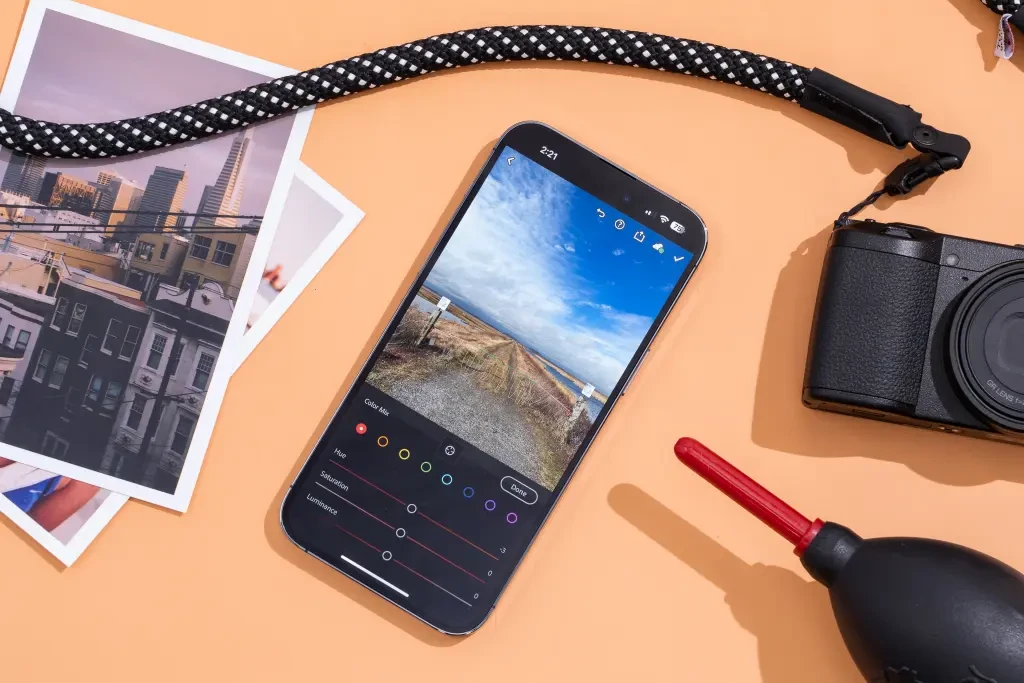
As smartphone hardware advances, exposure tools in photography apps will continue evolving, increasingly integrating AI and computational photography to enhance manual control. Future developments may include adaptive exposure algorithms that learn user preferences, improved sensor fusion for more accurate light metering, and deeper RAW processing capabilities on mobile platforms.
These innovations promise to empower both amateurs and professionals, enabling high-quality image capture in diverse conditions with unprecedented convenience. The convergence of manual exposure control and AI-driven enhancements will redefine mobile photography’s creative boundaries, making sophisticated exposure management a standard feature in the smartphone photographer’s arsenal.
| App Name | Platform | Key Exposure Features | RAW Support | Advanced Tools |
|---|---|---|---|---|
| Lux Light Meter Pro | iOS, Android | Light intensity measurement, EV readout | No | Calibrated sensor metering |
| myLightMeter Pro | iOS, Android | Spot metering, saveable exposure settings | No | Exposure value calculator |
| Camera+ | iOS | Exposure lock, manual ISO/shutter speed | Yes | Histogram, focus/exposure separation |
| ProShot | iOS, Android | Semi-manual modes, exposure compensation | Yes | Bulb mode, priority modes |
| Optika Pro | iOS | True lens switching, manual exposure | Yes | Focus peaking, multi-exposure stacking |
| Moment Pro Camera App | iOS, Android | Manual ISO/shutter speed, white balance control | Yes | Exposure compensation, focus peaking |
| Camera M | iOS | Manual exposure control, semi-priority modes | Yes (RAW/ProRAW) | Long exposure, histogram, exposure lock |
FAQ
What is the exposure triangle and why is it important for smartphone photography?
The exposure triangle comprises aperture, shutter speed, and ISO, which together determine the brightness and quality of an image. In smartphone photography, understanding and controlling these parameters—often via apps—allows precise exposure adjustment, improving image detail and creative control despite hardware limitations.
How do smartphone light meter apps differ from traditional light meters?
Smartphone light meter apps use built-in sensors and software algorithms to estimate scene luminance, offering portability and real-time feedback integrated with the camera. Traditional meters use dedicated sensors and often provide more accurate readings but lack the instant preview and convenience of smartphone apps.
Can smartphone apps fully replace traditional manual exposure controls on DSLRs?
While smartphone apps offer extensive manual control and exposure tools, they cannot fully replicate the physical advantages of DSLRs, such as larger sensors, interchangeable lenses, and true aperture control. However, apps significantly narrow the gap by providing advanced exposure adjustments and computational enhancements.
What advanced exposure features are available in smartphone photography apps?
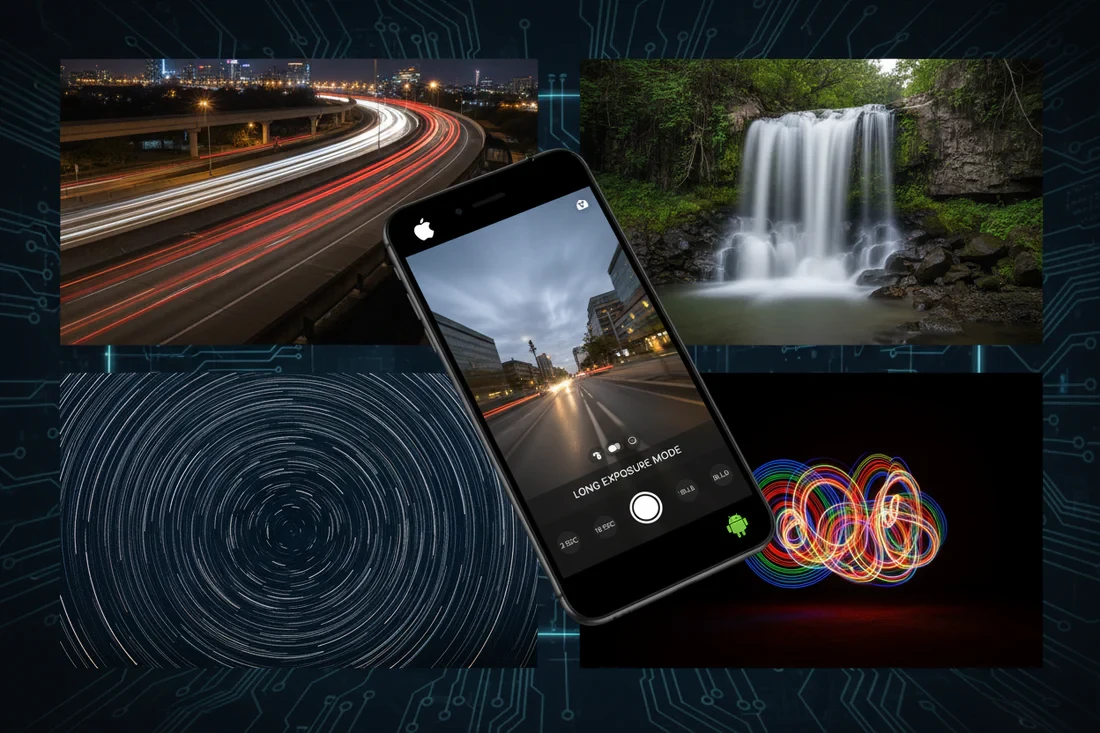
Advanced features include long exposure (bulb mode), focus peaking for manual focus accuracy, ND filter stacking calculators, exposure lock, histogram monitoring, and manual white balance adjustments, enabling complex photographic techniques directly on smartphones.
How do exposure tools improve low-light smartphone photography?
Exposure tools allow manual adjustment of shutter speed and ISO to maximize light capture while minimizing noise. Features like exposure lock and histogram assist in balancing exposure, while long exposure modes enable capturing more light over time, improving image quality in low-light conditions.
For detailed reviews and comparisons of the best smartphone exposure apps, consider visiting PremiumBeat’s guide to smartphone exposure apps and Light Meter Ultra’s analysis of photography light meter apps.
The continuous enhancement of smartphone exposure tools promises to democratize professional-level manual photography, enabling users to capture high-quality images with precision and creative expression directly from their mobile devices.