SnapRoamer.com – smartphone photography has revolutionized travel documentation, enabling enthusiasts to capture professional-quality images without bulky gear. Leveraging advanced smartphone camera technologies alongside strategic location choices and accessory use can dramatically enhance photo outcomes. Renowned travel destinations such as Oslo, Salzburg, and the Netherlands, combined with natural wonders like Mount Rainier and Great Sand Dunes National Parks, offer exceptional opportunities for smartphone photographers seeking diverse landscapes and urban scenes. Integrating built-in camera features such as Night Mode and HDR with accessories like mini tripods and clip-on lenses further elevates image quality across varied lighting conditions.
Data from the Locationscout app, which catalogs over 200,000 geotagged photo spots worldwide, highlights hotspots favored by smartphone users. This resource, alongside practical photography techniques and gear insights, forms the foundation for capturing compelling images across global travel locations. Understanding local restrictions, optimizing composition, and utilizing post-processing tools complete the modern smartphone photography workflow.
Top Global Locations for Smartphone Photography
Locationscout’s extensive database identifies the Netherlands, Salzburg, and Oslo as high-density areas for smartphone photography enthusiasts. The Netherlands, renowned for its vibrant urban canals and tulip fields, provides dynamic backdrops ideal for wide-angle and macro shots using clip-on lenses. Salzburg’s baroque architecture and alpine vistas attract photographers interested in detailed composition and natural lighting variations. Oslo combines modern Scandinavian design with rugged fjord landscapes, offering diverse subject matter for landscape and cityscape photography.
National parks remain pivotal for nature photography with smartphones. Mount Rainier National Park’s volcanic peaks and alpine meadows provide dramatic contrasts that benefit from HDR mode to balance exposure across bright skies and shaded terrain. Great Sand Dunes National Park, with its expansive dune fields, presents unique textures and light patterns optimal for capturing during golden hour, when shadows enhance depth perception in images.
Unique travel destinations such as Kerala’s backwaters in India and Hobbiton in New Zealand offer culturally rich and visually distinctive environments. Kerala’s intricate waterways and lush greenery challenge photographers to manage reflections and diffused natural light, while Hobbiton’s themed landscapes require careful framing to capture storytelling elements. Both locations benefit from smartphone manual controls to adjust focus and exposure dynamically.
Essential Smartphone Photography Techniques
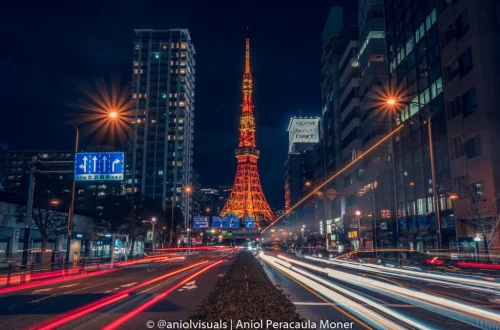
Night Mode on modern smartphones employs computational photography methods akin to slow shutter exposure, enabling clearer, brighter images in low-light and blue hour conditions. This mode is particularly effective in urban settings like Oslo’s waterfront or Salzburg’s old town, where ambient lighting varies. Users should stabilize their phones with tripods or steady surfaces to maximize sharpness during longer exposures.
HDR (High Dynamic Range) mode is instrumental in landscape photography, especially in national parks with high contrast scenes. By combining multiple exposures, HDR balances highlights and shadows, preserving detail across the image. For instance, Mount Rainier’s snow-capped peaks and shadowed forests benefit from HDR’s dynamic range enhancement.
manual focus and exposure controls allow photographers to override automatic settings, crucial in complex lighting or macro scenarios. Applications like the native camera app or third-party options enable precise control over aperture simulation and ISO sensitivity, improving image clarity and reducing noise.
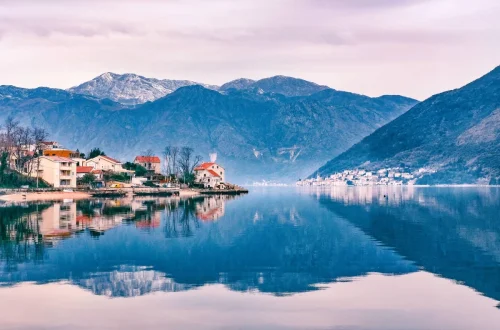
composition techniques such as leveraging reflections in water bodies and experimenting with angles contribute to more engaging photos. Smartphone stabilizing methods, including the use of mini tripods or handheld gimbals, reduce motion blur and facilitate creative framing. Employing the golden hour—shortly after sunrise or before sunset—provides soft, warm lighting that accentuates textures and colors naturally.
Recommended Smartphone Photography Accessories
Mini tripods, valued for portability and stability, enable long exposure shots and precise framing. Flexible mounts adapt to uneven surfaces or unconventional angles, expanding creative possibilities. Clip-on lenses, including macro, wide-angle, and fisheye types, augment the smartphone’s native optics, enabling close-up details or expansive vistas otherwise unattainable.
Bluetooth remote triggers complement tripod setups by facilitating shake-free shutter activation from a distance, essential for night photography or self-portraits in travel settings. These accessories are compatible across popular smartphone brands like iPhone and Android devices, enhancing versatility.
However, photographers must be mindful of tripod restrictions in certain locations, such as temples in India and some national parks, where permits or prohibitions apply. Awareness of local regulations ensures respectful and lawful photography practices.
Using Apps and Online Platforms to Find Photo Locations
The Locationscout app stands out as a premier tool for discovering over 200,000 geotagged photo spots globally, curated by a community of photographers. Its detailed metadata, including optimal shooting times and user-submitted images, assists smartphone photographers in planning shoots effectively.
Social media platforms like Instagram offer geotagged photo streams that reveal trending locations and compositions. Google Maps and Street View provide virtual scouting options, enabling photographers to assess sites before travel. Flickr’s extensive photo archives also serve as inspiration and location research resources.
Combining app data with local exploration and social media recommendations yields comprehensive location scouting strategies. This hybrid approach helps uncover lesser-known spots while respecting community insights and environmental considerations.
Practical Considerations and Etiquette
Tripod usage in high-traffic or culturally sensitive areas often faces restrictions to preserve site integrity and visitor experience. For example, many Indian temples prohibit tripod use to avoid obstruction and maintain sanctity. Photographers should verify regulations beforehand and adapt techniques accordingly, such as employing handheld stabilization or requesting permits when necessary.
Respecting local customs and photography rules prevents conflicts and promotes positive interactions. This includes seeking permission when photographing individuals or private properties and adhering to guidelines set by park authorities.
Planning shoots around lighting conditions—especially golden hour and blue hour—maximizes natural illumination benefits. These periods offer softer shadows and richer colors, reducing reliance on artificial lighting or flash, which can be intrusive in some environments.
Post-Processing and Editing
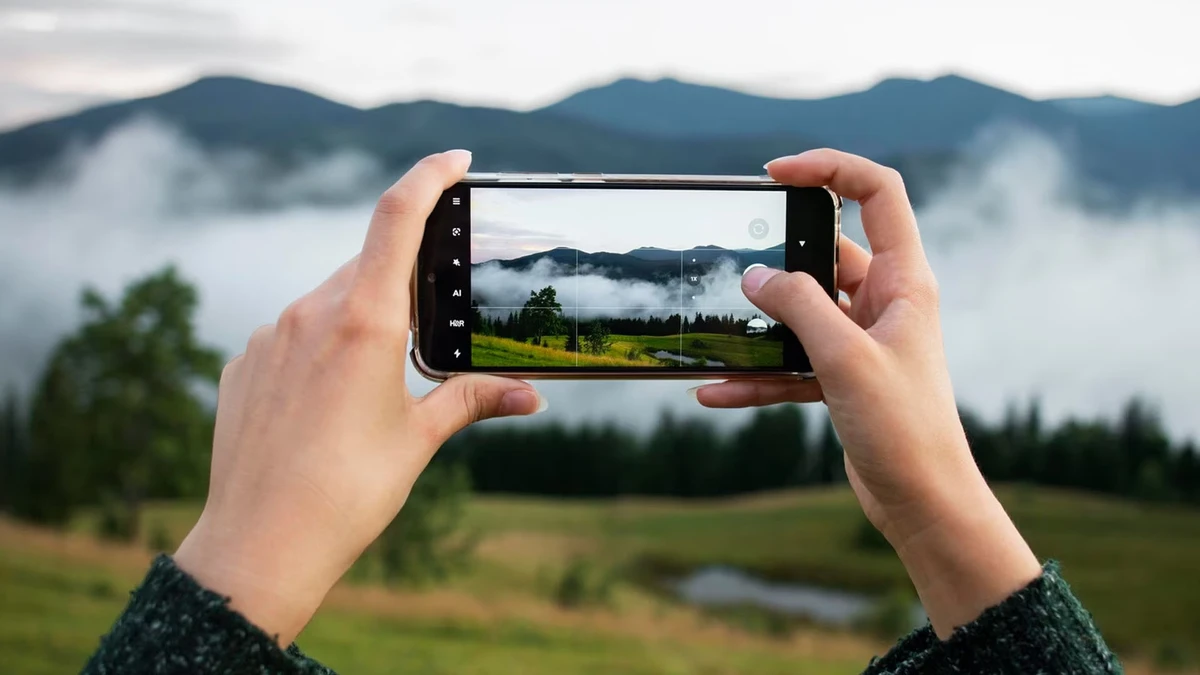
Editing applications like Snapseed provide powerful post-processing capabilities tailored for smartphone images, enabling adjustments in exposure, contrast, sharpness, and color balance. Applying selective edits enhances focal points without over-processing, maintaining natural aesthetics.
Post-capture adjustments compensate for limitations of small sensors and fixed apertures, refining images to professional standards. Techniques such as noise reduction in low-light photos and gradient filters for skies improve overall composition and visual impact.
Effective editing workflows complement in-camera techniques and accessory use, ensuring final images meet creative and technical expectations.
| Photography Aspect | Recommended Tool/Technique | Benefit |
|---|---|---|
| Low-Light Photography | Night Mode, Mini Tripod | Reduces noise, improves exposure clarity |
| Landscape Photography | HDR Mode, Golden Hour Shooting | Balances exposure, enhances natural colors |
| Macro and Wide-Angle Shots | Clip-On Lenses | Expands creative framing and detail capture |
| Stable Shots | Bluetooth Remote Trigger, Flexible Mounts | Prevents camera shake, allows remote shutter activation |
| Location Scouting | Locationscout App, Instagram Geotags | Identifies popular and hidden photo spots |
Frequently Asked Questions
What are the best smartphone camera features for travel photography?
The most beneficial smartphone camera features for travel photography include Night Mode for low-light environments, HDR for balancing high-contrast scenes, and manual controls that allow adjustment of focus and exposure. These features help capture sharp, well-exposed images in diverse settings.
Which travel destinations offer the best opportunities for smartphone photography?
Cities like Oslo and Salzburg, along with regions such as the Netherlands and national parks like Mount Rainier and Great Sand Dunes, provide varied landscapes and architectural subjects ideal for smartphone photography. Unique locations like Kerala’s backwaters and Hobbiton also offer culturally rich and visually distinctive scenes.
Are there any restrictions on using tripods in popular photography locations?
Yes, several tourist and religious sites, including many temples in India, restrict or prohibit tripod use to avoid disruption and preserve the environment. Photographers should research local regulations and respect these rules to ensure responsible photography practices.
How can photography apps enhance smartphone travel photography?
Apps like Locationscout provide geo-tagged photo spot data, shooting tips, and community feedback, assisting photographers in finding optimal locations and planning shoots. Editing apps such as Snapseed offer post-processing tools to fine-tune images, enhancing quality and artistic expression.
What accessories are recommended for improving smartphone photo quality?
Recommended accessories include mini tripods for stability, clip-on lenses for extended focal options, and Bluetooth remote triggers to minimize camera shake. These tools expand creative possibilities and improve image sharpness, particularly in low-light or complex composition scenarios.
Smartphone photography continues to evolve, with advances in camera technology and app ecosystems offering travelers powerful tools to document their journeys. Embracing location scouting platforms, accessory integration, and post-processing techniques enables photographers to produce compelling images that rival traditional camera setups. Future developments in computational photography and AI-based editing promise further enhancements, empowering users to capture moments with increasing ease and artistic control.
For further details on ideal photography locations and smartphone techniques, visit the Locationscout platform and explore expert insights from National Parks Traveler’s smartphone photography guide.