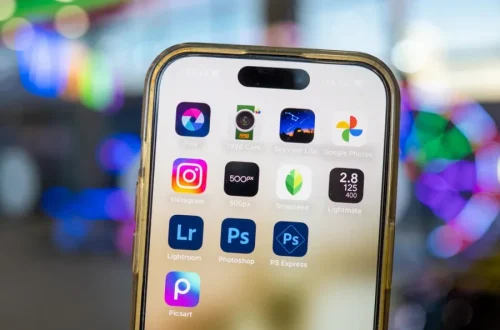
SnapRoamer.com – The best free photo editing apps for Android depend on your skill level: Snapseed is the top choice for most users due to its intuitive, completely free interface, while Adobe Lightroom is the premier option for those seeking professional-grade AI tools and granular control.
According to NYT Wirecutter, Snapseed is the most intuitive photo editing app tested, providing the darkroom-inspired adjustments most mobile photographers require without a subscription fee.
The ‘True Free’ vs. ‘Freemium’ Index
Not all ‘free’ apps are equal. A ‘True Free’ app like Snapseed offers full features without ads or paywalls. ‘Ad-Supported’ apps like Pixlr provide tools for free but interrupt workflows with ads. ‘Feature-Gated’ apps, such as Polarr or VSCO, offer basic edits but lock advanced tools like clarity, sharpening, or RAW support behind a subscription.
Distinguishing between these tiers helps users avoid selecting an app only to find essential tools locked behind a paywall. Many users mistakenly assume a $0.00 price tag in the Play Store guarantees a complete feature set.
Completely Free (No Paywalls)
- Snapseed: This app maintains a $0.00 price point with no hidden costs or subscription requirements. It provides a full suite of professional tools without the interruption of advertisements.
Ad-Supported (The Workflow Trade-off)
- Pixlr: While offering advanced editing capabilities, this app introduces significant workflow friction. As NYT Wirecutter notes:
“If you like ads and nag screens, Pixlr (Android, iOS) is the photo editor for you.”
These interruptions can break the creative flow during rapid editing sessions.
Feature-Gated (The Trial Experience)
- Polarr: The free version is highly restrictive, specifically limiting access to the adjustments panel for functions like clarity and sharpening sliders. Furthermore, the free tier only supports JPEG files, which creates a failure mode for photographers transitioning to RAW formats.
- VSCO: The free version of this app is very basic. It functions primarily as a trailer for the paid Plus and Pro versions.
Top Pick: Snapseed for Intuitive Control
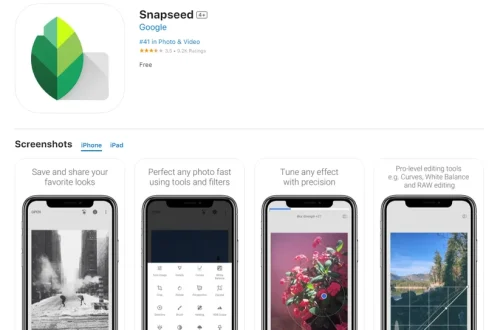
Snapseed is the best way for most people to edit photos on a phone or tablet, according to NYT Wirecutter. Now owned by Google, the app provides a professional-grade experience that avoids the typical “freemium” traps found in the Android ecosystem.
The interface is built around gesture-based controls that feel natural on mobile hardware. For instance, users can access the Selective options menu path to perform precise, AI-powered selective editing on specific parts of an image. This allows for targeted adjustments to exposure or saturation without affecting the entire frame. Even more impressive is the Head Pose feature, which provides a liquify-style solution to adjust the direction of gazes in portraits, a task that usually requires desktop-class software.
Version 4.0 continues to support both JPEG and RAW files, ensuring that users do not outgrow the app as their hardware capabilities increase. Unlike many competitors, Snapseed does not gate its most useful sliders behind a subscription, making it the most reliable choice for consistent, high-quality mobile editing.
Professional Power: Adobe Lightroom & Photoshop Express
Adobe Lightroom offers a robust toolset for users who require professional-grade precision on Android.
Advanced AI and Adaptive Presets
Adobe Lightroom stands apart through its heavy investment in machine learning. The app’s AI features are noted for producing superior results when handling complicated tasks, such as removing distracting elements from a scene. Users can utilize the Lightroom Quick Actions menu path to apply smart, one-tap adjustments that intelligently mask key elements like the sky or a subject.
| Feature/Plan | Adobe Lightroom | Photoshop Express |
|---|---|---|
| Primary Use | Professional RAW editing | Quick, simple fixes |
| AI Capabilities | Advanced (Adaptive Presets) | Basic/Automated |
| Premium Cost | ~$4.99 | Varies by features |
| Annual Plan | ~$11.99 | N/A |
The pricing structure reflects this professional focus. While basic edits are accessible, the Lightroom Mobile Premium tier is priced at approximately $4.99, and a full Lightroom Photography Plan can range from $11.99 to $19.99 depending on the commitment level.
Quick Edits with Photoshop Express
If the granularity of Lightroom feels overwhelming, Adobe Photoshop Express serves as a faster alternative. It is designed for users who need to apply filters, fix red-eye, or crop images in seconds rather than minutes. It lacks the deep color grading capabilities of Lightroom but excels in speed for social media turnaround.
The Storage & Performance Cost of ‘Free’ Apps
Mobile photographers should consider the technical overhead of certain software. While an app may be free to download, its impact on device resources varies significantly.
Testing has revealed that Pixlr can be significantly more demanding on device storage than its competitors. Specifically, Pixlr can produce file sizes that are more than twice as large as those produced by other tested applications. For users with limited internal storage or those managing thousands of high-resolution images, this “storage bloat” can lead to frequent device slowdowns and the need for constant file management.
High-end editing is a resource-heavy task. Using advanced AI tools in applications like Lightroom can impact battery longevity during intensive editing sessions.
Best for Social Media & Organization
Not every editing task requires pixel-perfect color grading; often, the priority is rapid sharing or managing a massive library of captures.
Picsart: AI-Driven Social Creativity
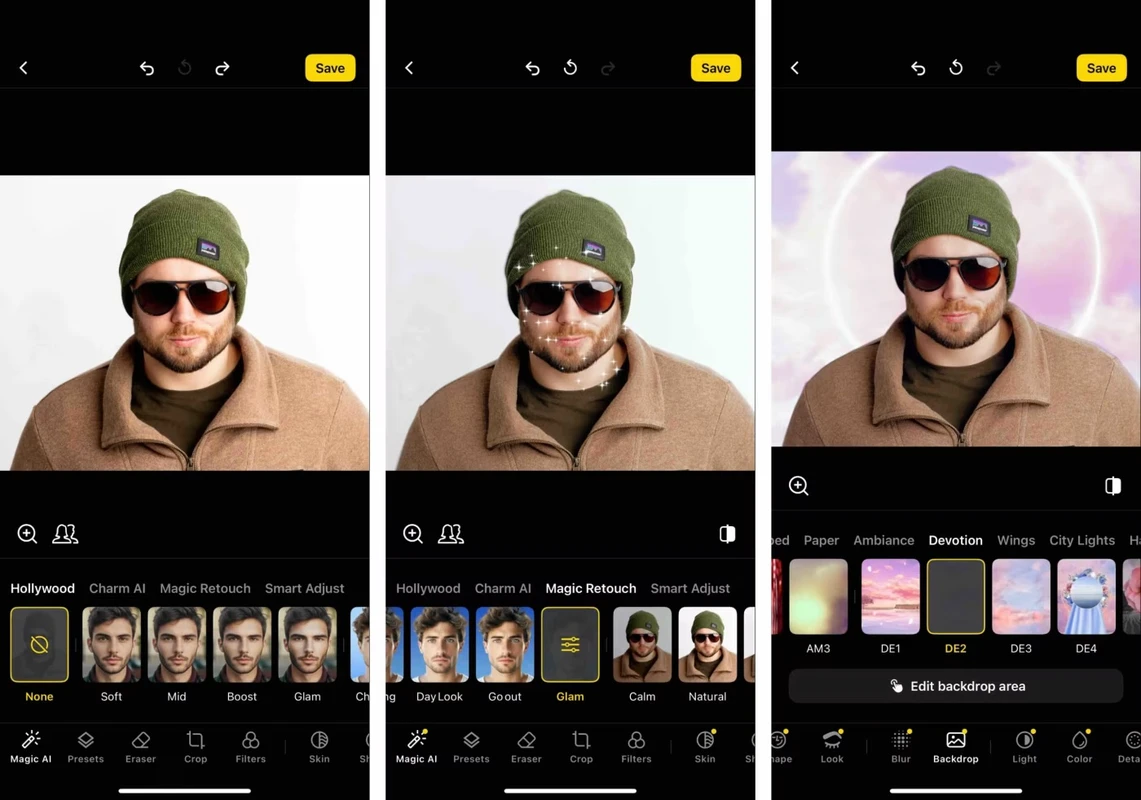
Picsart has recently rebranded itself with a heavy focus on AI-driven creativity. The interface is designed for social media users, placing cropping, clone tools, and curve adjustments at the fingertips. While it offers a rich set of tools, users should note that the Android version has been known to disable screenshotting, which may impact how users share their workarounds or tutorials. Additionally, while many features are free, a subscription starting at approximately $5 per month unlocks the full creative suite.
Google Photos: The Management Powerhouse
For those who prioritize organization over deep manipulation, Google Photos is the industry standard. It offers some of the simplest and most effective ways to organize large photo collections through automated tagging and facial recognition. For quick adjustments, users can access the filters menu to apply presets like Airy, Dynamic, HDR, Luminous, and Radiant. The integration of the Magic Editor also allows users to remove or move objects while the AI recreates the background, making it a powerful hybrid of management and light editing.
Quick Comparison: Which App Fits Your Workflow?
The following comparison outlines the core trade-offs between the leading Android contenders.
| App Name | Best For | True Free? | Key Limitation |
|---|---|---|---|
| Snapseed | Most users / General editing | Yes | Lacks advanced AI masking |
| Lightroom | Professional RAW workflow | No (Freemium) | Requires subscription for full power |
| Polarr | Quick, simple edits | No (Feature-Gated) | Restricts clarity and sharpen tools |
| Pixlr | Advanced features | No (Ad-Supported) | High storage usage and ads |
While Snapseed offers a completely free experience, professional-grade users may prefer the advanced AI and RAW support found in Adobe Lightroom’s paid tiers.
FAQ
Is Snapseed really 100% free on Android?
Yes. Owned by Google, Snapseed provides full darkroom-inspired adjustments and selective editing tools without any subscription fees or advertisements.
Which app is best for removing unwanted objects from photos?
Adobe Lightroom’s AI features are noted for producing the best results for complicated problems like removing distracting elements from a scene.
Why are my photo file sizes so large after using Pixlr?
Testing shows that Pixlr can produce file sizes that are more than twice as large as other tested applications.