SnapRoamer.com – smartphone photography has evolved into a sophisticated visual medium, where mastering composition techniques is crucial to creating compelling images. Unlike traditional cameras, smartphones rely heavily on composition and lighting to elevate photo quality, given their fixed lenses and sensor limitations. Effective use of framing, symmetry, and depth transforms everyday snapshots into professional-grade photographs, enabling users to express creativity without additional equipment. Key principles such as the Rule of Thirds, leading lines, and natural lighting are foundational to this process, guiding viewers’ attention and enhancing image balance.
Smartphone users benefit from leveraging built-in tools like gridlines and HDR, as well as understanding how to integrate foreground and background elements strategically. Avoiding common pitfalls such as over-reliance on flash or awkward cropping further refines image quality. This article provides a detailed exploration of smartphone photo composition, offering practical techniques to improve visual storytelling and technical execution.
Core Composition Techniques in Smartphone Photography
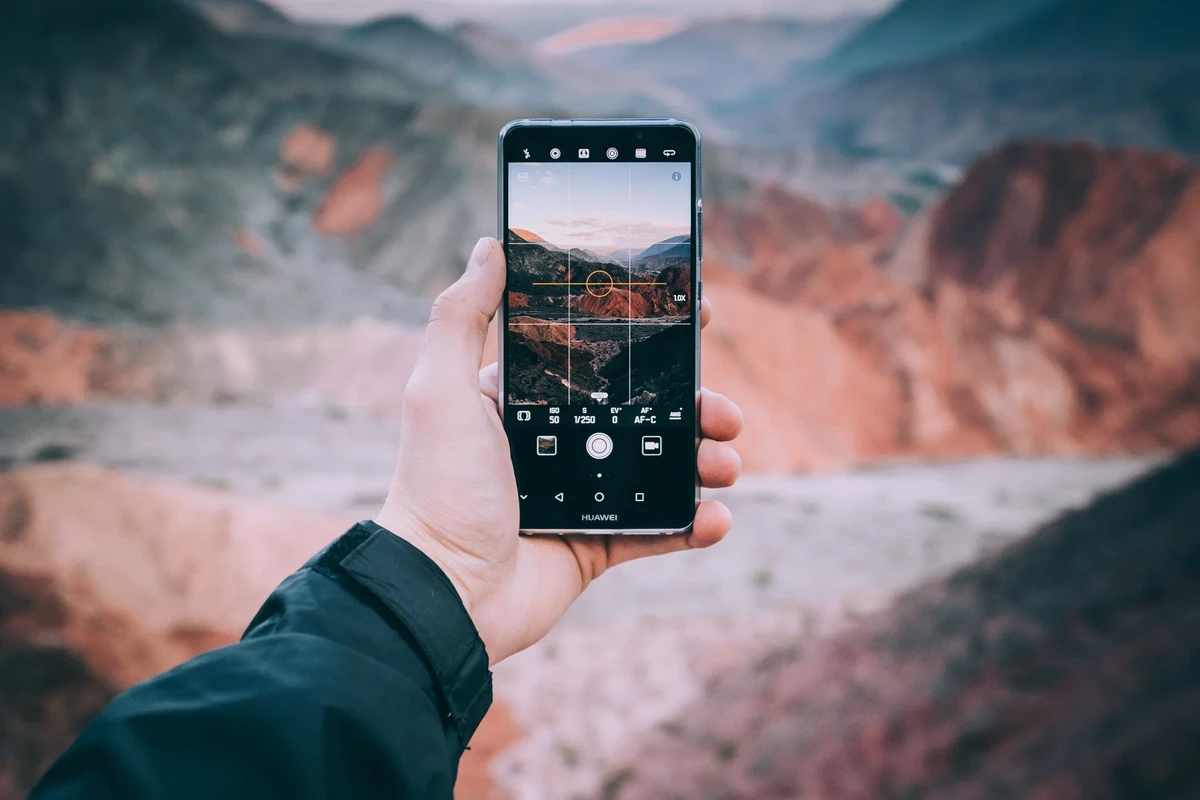
One of the most fundamental rules in smartphone photo composition is the Rule of Thirds. This technique divides the frame into nine equal segments using two equally spaced horizontal and vertical lines, commonly enabled through gridlines on most smartphones. Placing the main subject along these lines or at their intersections creates a balanced and aesthetically pleasing image. For instance, positioning a person’s eyes on the top horizontal line rather than centering the face adds dynamic tension, inviting viewers to explore the entire frame. Gridlines serve as an indispensable guide, helping photographers avoid central placement that often results in static or uninteresting photos.
Leading lines are another pivotal composition technique. These are natural or man-made lines within the scene—roads, fences, rivers, or architectural elements—that direct the viewer’s gaze through the image. When used effectively, leading lines enhance depth perception and guide attention toward the focal point. For example, a winding path captured with a Google Pixel or iPhone can lead the eye toward a distant subject, creating a narrative flow. Photographers should seek out diagonal or converging lines to amplify this effect, as they introduce movement and depth more effectively than horizontal or vertical lines alone.
Symmetry and patterns contribute significantly to visual harmony and balance. Symmetrical compositions, whether perfect mirror images or near-symmetrical scenes, engage viewers through their orderly structure. Patterns—repeated shapes, colors, or textures—add rhythm and reinforce the subject matter. Smartphones with high-resolution sensors and HDR capabilities can capture intricate patterns in natural or urban environments with clarity, enhancing the overall aesthetic. Combining symmetry with other techniques like framing often results in striking images that stand out on social media platforms and portfolios.
Techniques to Add Depth and Dimension in Mobile Photography
Smartphone cameras lack the physical depth of field control available in DSLRs, requiring creative approaches to simulate depth. Incorporating foreground, middle ground, and background elements is essential to creating layered compositions. For instance, including an object such as a flower or textured leaf in the foreground while keeping the subject in the middle ground adds dimensionality and context, making the photo more immersive.
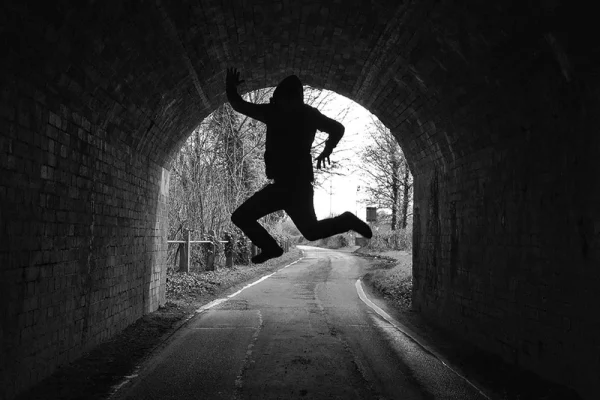
Framing objects play a crucial role in this layering effect. Natural frames—arches, doorways, branches, or windows—surround the subject, focusing attention while adding a sense of depth. For example, framing a portrait through a leafy canopy or a doorway captured on an iPhone enhances the viewer’s perception of space and creates a visually rich composition.
Balancing sharpness and blur is another technique to mimic depth of field. Smartphones with portrait modes use computational photography to blur backgrounds, simulating bokeh effects. However, manual adjustments in photo editing apps can further enhance this effect. Selective focus techniques draw attention to the subject by maintaining sharpness in foreground elements while subtly blurring the background or vice versa, offering a three-dimensional feel despite the small sensor size.
Lighting Best Practices for Natural-Looking Smartphone Photos
Lighting is paramount in smartphone photography, impacting exposure, texture, and color rendition. Natural light is preferred over artificial flash because it produces softer, more flattering illumination and preserves the natural color palette. Flash on smartphones often causes harsh shadows, unnatural highlights, and color distortion, detracting from image quality.
High Dynamic Range (HDR) mode optimizes exposure by capturing multiple images at different brightness levels and merging them. This technique is invaluable in high-contrast scenes, such as landscapes with bright skies and dark foregrounds, common in smartphone photography. HDR helps retain detail in both shadows and highlights, delivering balanced results without post-processing.
Positioning relative to the light source influences the texture and shape of subjects. Side lighting accentuates texture and adds dimension, while backlighting creates silhouettes or highlights outlines. Photographers should experiment with angles to exploit natural light effectively, avoiding direct sunlight that can cause overexposure or unwanted glare. Golden hour—the period shortly after sunrise or before sunset—provides warm, diffused light that enhances smartphone images with minimal editing.
Creative Composition Enhancements for Smartphone Photography
Minimalism in composition strengthens subject focus by eliminating distractions. Simplified backgrounds and uncluttered frames emphasize the main subject, whether a person, object, or landscape detail. Utilizing negative space effectively creates balance and can evoke emotional responses, making photos more impactful.
Shapes, textures, and patterns serve as focal points or complementary elements. For example, the geometric lines of a building or the repetitive ripples in water can create visual interest. Smartphone photography apps often include filters or editing tools that enhance these features, allowing photographers to highlight textures and contrasts.
Choosing between square and rectangular framing impacts composition style and viewer perception. Square formats, popularized by platforms like Instagram, encourage centered compositions and symmetry. Rectangular frames, more traditional and versatile, accommodate leading lines and rule-of-thirds placements more naturally. Photographers should consider the final display medium when deciding framing, as it influences cropping and visual balance.
Common Pitfalls in Smartphone Photo Composition and How to Avoid Them
Awkward cropping and over-cropping remain frequent issues. Cutting off essential parts of the subject, such as limbs or facial features, diminishes image quality and viewer engagement. Photographers should use gridlines to maintain proper framing margins and avoid tight crops unless intentional for artistic effect.
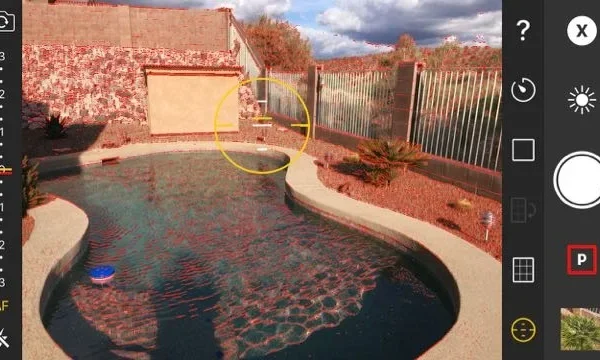
Exposure mismanagement, especially in close-up shots, leads to blown-out highlights or muddy shadows. Smartphones often struggle with automatic exposure in such conditions; manually tapping to focus and adjust exposure or using HDR mode can correct this.
Avoiding cutting through key subject features is critical. For example, splitting a person’s eyes or body at the gridline intersection can create discomfort or imbalance. Conscious positioning and angle adjustments prevent this common mistake, ensuring that subjects are presented cohesively within the frame.
Practical Tips and Tools to Enhance Smartphone Photography Composition
Enabling gridlines on smartphones is a practical first step. This simple tool helps apply the Rule of Thirds and maintain level horizons, improving overall composition accuracy. Both iPhone and Android devices include this feature in camera settings.
Burst mode is valuable for capturing fleeting moments, such as moving subjects or changing light conditions. It increases the likelihood of obtaining a sharp, well-composed shot, which can then be selected and edited for best results.
Experimenting with angles and perspectives expands creative possibilities. Shooting from low angles, high viewpoints, or unconventional positions reveals new compositions and emphasizes depth. For instance, capturing a cityscape from a rooftop or a flower from ground level introduces fresh visual narratives.
Post-capture editing apps further refine composition by allowing cropping, straightening, and selective adjustments. Apps like Adobe Lightroom and Snapseed provide advanced tools for enhancing contrast, sharpness, and exposure, complementing in-camera techniques.
| Composition Technique | Smartphone Feature | Practical Application |
|---|---|---|
| Rule of Thirds | Gridlines | Position subjects off-center to create balanced photos |
| Leading Lines | Wide-angle lens (e.g., Google Pixel) | Use roads, fences, or architectural elements to direct eye movement |
| Foreground Framing | Portrait mode & manual focus | Include objects in foreground to add depth and layers |
| Natural Lighting | HDR mode | Balance shadows and highlights, avoid flash for natural color |
| Selective Blur | Portrait mode & editing apps | Mimic depth of field by blurring background selectively |
FAQ
What is the Rule of Thirds in smartphone photography?
The rule of thirds divides the frame into nine equal parts using two horizontal and two vertical gridlines. Positioning the subject along these lines or their intersections creates more balanced and engaging photos compared to centering the subject.
How can I add depth to my smartphone photos?
Adding foreground, middle ground, and background elements creates layers and depth. Using natural frames and selective blur through portrait mode or editing apps also helps mimic the depth of field effect typical in DSLR photography.
Why should I avoid using flash on my smartphone?
Smartphone flash often produces harsh lighting, unnatural shadows, and color distortion. Relying on natural light or HDR mode results in softer, more natural-looking images with better color accuracy.
How do leading lines improve photo composition?
Leading lines guide the viewer’s eye towards the main subject or through the image, adding a sense of direction and depth. Elements like roads, fences, or architectural details serve as effective leading lines.
What is the difference between square and rectangular framing?
Square framing emphasizes symmetry and centered compositions, often used for social media. Rectangular framing offers more flexibility with the Rule of Thirds and leading lines, allowing for dynamic and off-center subject placement.
Smartphone photography continues to benefit from evolving hardware and software, but composition remains the key to unlocking its creative potential. By mastering foundational rules, leveraging natural light, and avoiding common mistakes, users can produce images that rival those taken with more complex equipment. Exploring various framing formats and post-processing techniques further enhances photo quality, preparing enthusiasts for future advancements in mobile photography.
For more detailed insights on smartphone composition techniques, visit Printique’s smartphone composition tips and iPhone Photography School’s framing guide.