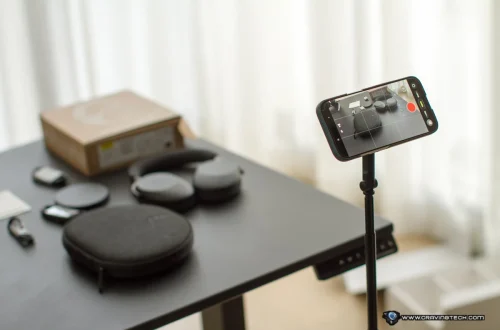
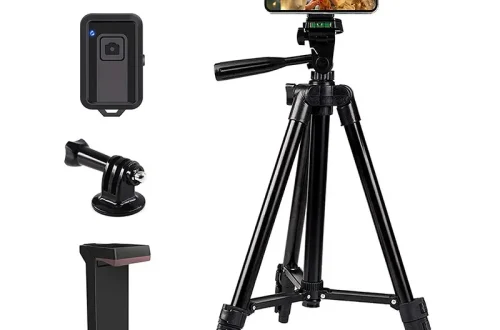
SnapRoamer.com – Mounting and stabilizing a smartphone on a tripod transforms handheld shots into crisp, blur-free photos and smooth, professional-quality videos. Achieving this requires more than just placing the phone on any tripod—it demands careful selection of compatible mounts, precise setup techniques, and understanding how to optimize stability in varying environments. This tutorial provides detailed, step-by-step guidance on securing your smartphone to a tripod, enhancing stability during shooting, and employing post-production tools to perfect your visuals.
Understanding the mechanics of tripod stability, such as center of gravity and leg spread, alongside using appropriate accessories like adjustable phone mounts and remote shutters, will enable you to capture sharp images and steady videos even in challenging conditions like low light or uneven terrain.
Choosing the Right Tripod and Mount for Your Smartphone
smartphone photography stabilization starts with selecting the appropriate tripod type and compatible mounting accessories. Tripods vary widely in size, flexibility, and stability, and choosing the right one depends on your shooting style and environment.
Full-size tripods offer maximum stability with adjustable height and wide leg spread, ideal for outdoor shoots and professional setups. Tabletop or mini tripods, such as the Pocket Tripod PROv2, provide portability for casual or travel photography but may sacrifice some steadiness on uneven surfaces. Flexible leg tripods like the Joby GorillaPod 1K Kit excel in versatility, allowing you to wrap legs around poles or branches, yet require careful adjustment to maintain balance.
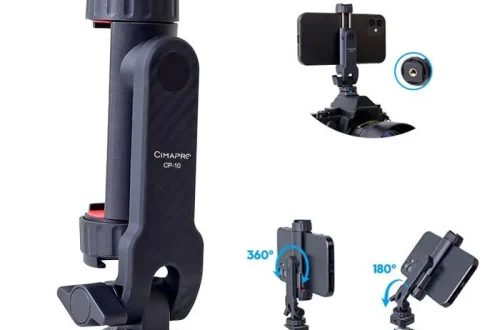
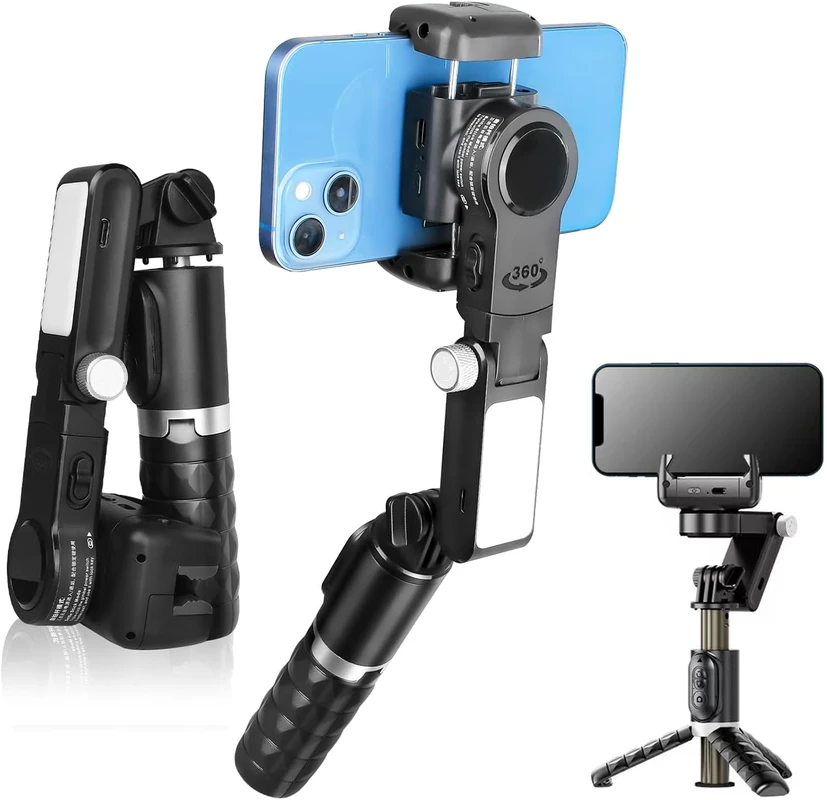
Phone tripod mounts secure the smartphone to the tripod and typically feature spring-loaded clamps lined with rubber padding to protect devices from scratches while holding them firmly. Most mounts are compatible with standard 1/4″-20 threaded screws, allowing attachment to a wide variety of tripods. The Ulanzi ST-27 Metal Phone Tripod Mount is an example of a durable, adjustable clamp that supports tilt and rotation up to 180°, enabling precise framing.
When selecting mounts, prioritize those with adjustable arms to accommodate varying phone sizes and consider additional features like cold shoe mounts for attaching lights or microphones.
Step-by-Step Guide to Attaching Your Smartphone to a Tripod
Securely mounting your smartphone is crucial to prevent movement and vibrations during shooting. Follow these steps to ensure a stable attachment:
Taking the time to perform these steps carefully minimizes the risk of phone shake and enhances image sharpness.
Maximizing Tripod Stability: Key Techniques
Stability depends on the tripod’s setup and how weight is distributed. Implement these techniques to maximize steadiness:
By mastering these adjustments, you improve tripod steadiness crucial for long exposures and video recording.
Enhancing Stability During Shooting
Even with a solid tripod setup, additional measures prevent subtle shakes that blur photos or jitter videos:
These strategies complement the mechanical stability provided by tripods, ensuring sharper results.
Post-Production Video Stabilization Options
Residual shake or jitters in video can be corrected using software tools that digitally stabilize footage:
Stabilization algorithms work by tracking motion vectors frame-by-frame, compensating for unwanted movements while preserving natural camera motion. However, excessive shake or poor tripod setup can limit software effectiveness.
Apply digital stabilization after shooting if minor jitters remain, but prioritize physical stabilization during capture for best quality.
Creative Applications Enabled by Stable Tripod Use
Reliable tripod setups open creative possibilities beyond straightforward photography:
Using accessories like L-Brackets or advanced grips expands versatility for complex setups.
Troubleshooting Common Stability Issues
Even with proper setup, users may encounter instability. Address these problems using the following tips:
Systematic troubleshooting ensures consistent stabilization results.
Common Mistakes to Avoid
Avoid these pitfalls to maintain optimal smartphone stabilization:
Being mindful of these errors improves shooting reliability.
Alternative Methods for Smartphone Stabilization
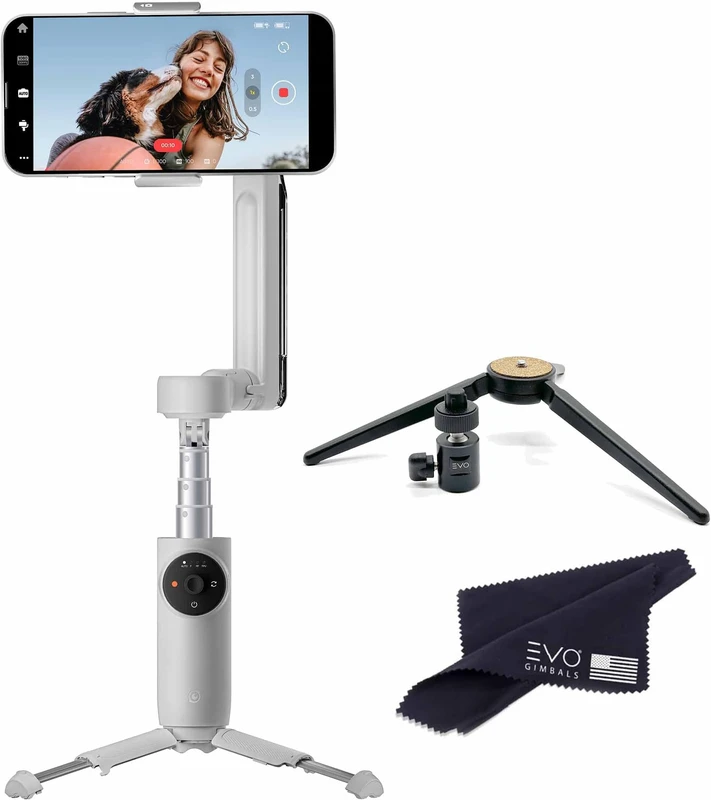
Besides tripods, several alternatives exist:
Each method suits different shooting scenarios but generally complements rather than replaces tripod use for static shots.
| Tripod Type | Stability | Portability | Best Use Case | Example Model |
|---|---|---|---|---|
| Full-size Tripod | High | Low to Moderate (bulkier) | Outdoor, professional shoots, low light, long exposure | Manfrotto Befree Advanced |
| Tabletop/Mini Tripod | Moderate | High (compact) | Travel, casual photography, desk setups | Pocket Tripod PROv2 |
| Flexible Leg Tripod | Moderate to High (depends on positioning) | High (versatile) | Creative mounting on irregular surfaces, vlogging | Joby GorillaPod 1K Kit |
FAQ
How do I prevent my smartphone from slipping in the tripod mount?
Ensure the mount’s adjustable clamp fits your phone snugly and that rubber padding is intact. Avoid over-tightening which can damage the phone. Reputable mounts like the Ulanzi ST-27 feature durable, non-slip pads designed for secure grip.
Can I use a regular camera tripod for my smartphone?
Yes, most camera tripods with a 1/4″-20 screw are compatible if paired with a proper phone tripod mount. Using a mount designed for smartphones ensures secure attachment and optimal positioning.
What is the best way to shoot long exposure photos with a smartphone?
Mount your phone on a stable tripod with a secure clamp, lower the center of gravity by positioning the mount low, use a remote shutter or timer to avoid shake, and enable long exposure mode or use third-party apps. Avoid touching the phone during exposure.
Are flexible tripods stable enough for professional smartphone photography?
Flexible tripods like the Joby GorillaPod 1K provide versatility but require careful positioning and leg adjustment to maintain stability. They are suitable for many professional uses but may not match the steadiness of full-size tripods in all scenarios.
How does post-production stabilization improve smartphone videos?
Software like Adobe Premiere Pro analyzes frame-to-frame motion and corrects unwanted shake by adjusting rotation and position. This digital stabilization smooths jittery footage but works best when initial capture is reasonably stable.
—
For detailed product specifications and mounting techniques, refer to the Geometrical Inc. guide on phone tripod attachment and the Ulanzi blog on tripod stability.
Mastering smartphone stabilization using tripods and mounts empowers photographers and videographers to elevate image quality significantly. By combining correct equipment, strategic setup, and supportive shooting techniques, you can consistently achieve sharp photos and smooth videos, unlocking creative possibilities in your smartphone photography journey.