SnapRoamer.com – To achieve professional-looking night photography on a smartphone, avoid Auto White Balance (AWB). Instead, use Manual Kelvin settings to ‘cool down’ the image. For a natural night aesthetic, aim for settings between 3000K and 3800K to counteract the overly warm orange casts often produced by street lighting and default presets.
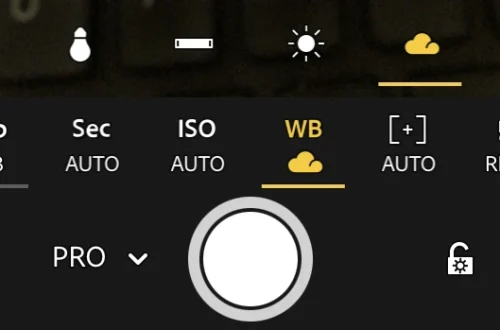
Leaving white balance on ‘Direct Sunlight’ while shooting at night can result in an unnaturally warm image even when no moonlight is present. This specific failure mode occurs because the “Direct Sunlight” preset is designed to add warmth to compensate for blue light, which inadvertently creates a heavy orange cast in low-light environments.
The Urban Night Cheat Sheet: Kelvin Values for Common Light Sources
For accurate night photography, match your Kelvin (K) setting to your light source: use 3000K for full moonlight, 3400-3900K for urban light-polluted skies, 3200K for tungsten bulbs, and 1900K for candlelight. Lowering the Kelvin number makes the image cooler (bluer), while raising it makes it warmer (yellower).
Tim Cooper notes that manual white balance is achieved by using the Kelvin white balance setting, which allows photographers to set the color temperature to any desired level. This level of precision is essential when the camera’s automated systems cannot distinguish between the ambient glow of a city and the natural light of the moon.
Moonlight vs. Urban Pollution
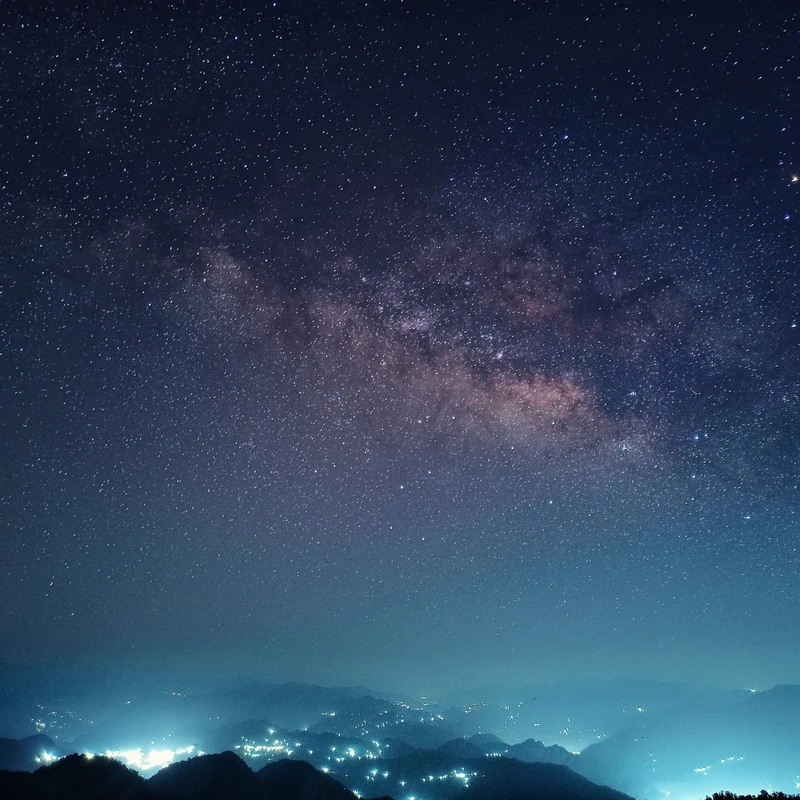
In urban environments, light pollution creates a complex color profile. For night sky photos in these areas, a lower (colder) setting around 3400-3900K is often more suitable to maintain a natural look. Conversely, if you are shooting under clear moonlight without significant city glow, a setting of 3000K provides the necessary blue tint to represent that light accurately.
Artificial Light Temperatures
Artificial sources vary wildly in their thermal signatures. A tungsten bulb typically operates around 3200K, while candlelight is much warmer at approximately 1900K. Even white LEDs can appear cooler, often sitting near 4500K. Understanding these specific numeric values prevents the common error of using a “Cloudy” preset, which adds yellow/orange to cancel out blue, making a night scene look muddy rather than crisp.
| Lighting Scenario | Ideal Kelvin (K) Range | Visual Result |
|---|---|---|
| Full Moonlight | 3000K | Deep, natural blue |
| Urban/Light Pollution | 3400K – 3900K | Balanced city night sky |
| Tungsten/Halogen | 3000K – 3200K | Neutralizes orange glow |
| Candlelight | 1900K | Corrects extreme warmth |
| White LED | 4500K | Neutralizes cool/blue tones |
The Kelvin values listed in the table directly influence the final color temperature. Selecting a range such as 3200K for tungsten or 1900K for candlelight allows for intentional color grading rather than relying on accidental casts.
Solving the ‘Computational Conflict’: Why Your Manual Settings Might Be Ignored
Smartphone Night Mode often relies on multiple stacked frames over several seconds to reduce noise and increase exposure. During this multi-frame process, the device’s AI may attempt to “correct” the color of each individual frame to a neutral baseline, which can fight against manual Kelvin input.
Artificial lights often introduce mixed color temperatures that confuse automatic white balance systems. If a single frame contains both a warm street lamp and a cool LED sign, the sensor struggles to find a single point of reference. This can result in a “color cast” error where the software chooses a middle ground that satisfies neither light source correctly.
Warning: If you notice color settings shifting mid-exposure, the smartphone’s computational photography engine is likely attempting to normalize the scene. To maintain strict control over the Kelvin value, switch to a dedicated Pro Mode.
Mastering Mixed Lighting: Balancing Warm Lamps and Cool Moonlight
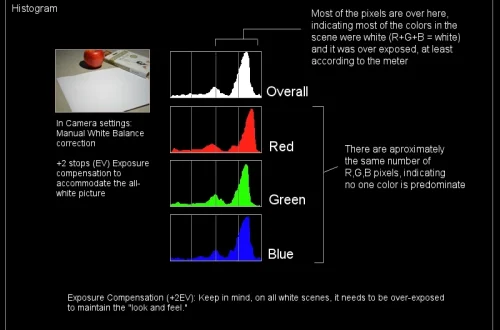
Auto White Balance (AWB) can be fooled if there is an abundance of one color, such as yellow street lamps, or if there is no actual white for the meter to use as a reference. This makes mixed lighting a primary cause of color cast errors in urban environments.
To manage these complex environments, consider these professional approaches:
- Prioritize the dominant light: Set your Kelvin to match the largest light source in the frame to establish a baseline.
- Shoot in RAW format: This is the most critical step for mixed lighting. RAW gives you latitude in post, especially when you want to recover deep shadows or correct tricky white balance in smartphone photography at night.
- Layering color temperatures: Instead of trying to make everything “white,” use the Kelvin slider to lean into the contrast between warm and cool tones for a more cinematic look.
The RAW Advantage
As noted by experts, shooting in RAW provides the latitude required to correct white balance in post-production without the heavy degradation seen in JPEG files. Rick McEvoy states that if you shoot in RAW, you can fix white balance perfectly in post, providing “total freedom” when adjusting color.
Layering Color Temperatures
Rather than fighting mixed light, use the Kelvin slider to emphasize the blue of the night sky. By choosing a lower Kelvin value, you can allow warm artificial lights to serve as secondary accents, creating a sense of depth.
Hardware Realities: Sensor Size and Lens Selection at Night
Physical hardware limitations dictate the ceiling of image quality. Many smartphone ultra-wide and telephoto lenses use smaller sensors or digital crops, which perform worse in dim conditions than the primary lens.
The primary main lens is the superior choice for color fidelity because its larger sensor captures a wider range of data. Relying on an ultra-wide lens in low light often results in “chromatic noise,” where color speckles appear in dark areas, making manual white balance adjustments look blotchy and unnatural.
Step-by-Step: Calibrating Perfect White Balance on Your Phone
To calibrate white balance manually, switch your camera to ‘Pro’ or ‘Manual’ mode, select the Kelvin (K) setting, and adjust the slider until neutral objects appear white. For perfect accuracy, use a grey card: take a test shot of the card, then use the eyedropper tool in Lightroom Mobile to sample it.
Follow these specific steps to ensure your night shots are color-accurate:
- Enter Pro Mode: Open your camera app and navigate to the “More” menu, then select “Pro” or “Manual” mode.
- Locate Kelvin (K): Find the White Balance (WB) icon. Instead of selecting presets like “Sun” or “Cloudy,” tap the “K” icon to enable the manual slider.
- The Grey Card Method: For professional-grade results, place a neutral grey card in the scene. Take a single shot of the card.
- Post-Processing Calibration: Import that shot into an editor. Use the White Balance Selector (eyedropper tool) and click on the grey card. This tells the software exactly what “neutral” looks like in your specific lighting environment.
Shortcut: If you do not have a grey card, look for a neutral grey surface in your environment, such as a concrete sidewalk or a grey stone wall, to use as a makeshift reference point during your test shot.
FAQ
Why are my night photos looking too orange?
This often happens if your White Balance is set to ‘Direct Sunlight’ or ‘Cloudy’ presets. These settings add warmth to compensate for blue light, which results in an overly warm, orange cast in night environments. Switch to a lower Kelvin setting (3000K-3800K) to cool the image down.
Can I fix white balance after I take the photo?
Yes, but only if you shot in RAW format. Shooting in RAW retains all color data, giving you the latitude to adjust the white balance perfectly in post-processing apps like Lightroom Mobile without losing image quality.
Is Auto White Balance (AWB) bad for night shots?
AWB can be easily fooled in the dark. If there is an abundance of one color (like yellow street lamps) or no clear white reference in the frame, the system may apply an incorrect color cast. Manual Kelvin control is much more reliable.