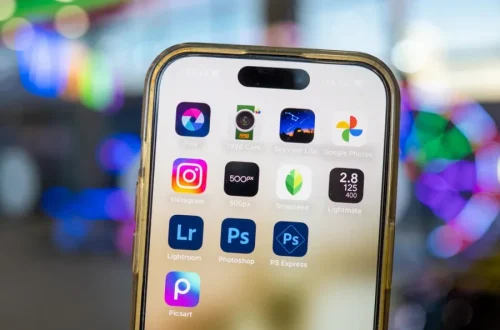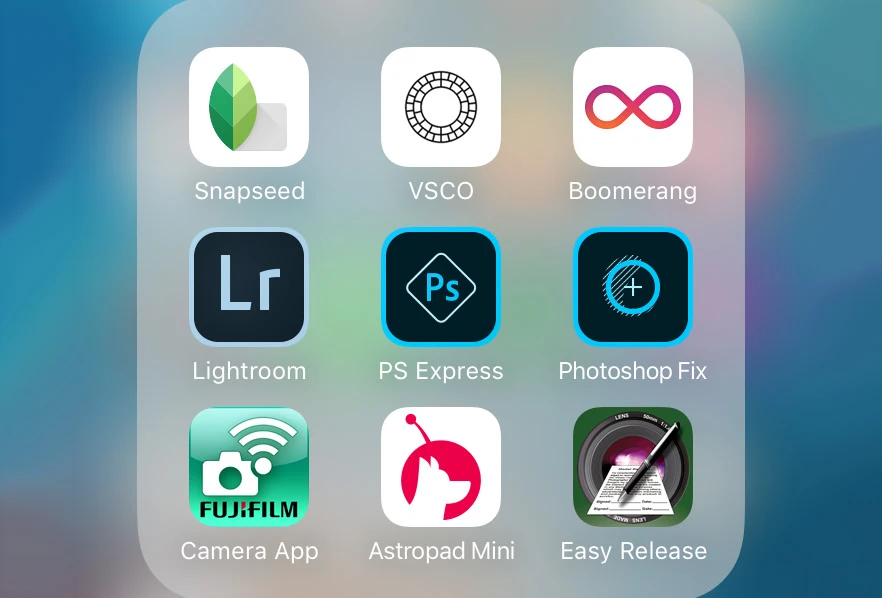
SnapRoamer.com – The best photo editing app depends on your specific workflow: Adobe Lightroom is the industry standard for batch editing and organization, while Adobe Photoshop remains a leader for pixel-level retouching. For mobile users, Photomator leads for RAW editing on iOS, and Snapseed offers legendary flexibility for free.
Professional photographers often perform up to 90% of their entire editing workflow within Adobe Lightroom alone. This high level of dependency highlights the necessity of choosing software that balances speed with technical depth.
The Workflow Continuity Matrix: Moving from Mobile to Desktop
Workflow continuity depends on cloud integration. Adobe Lightroom offers seamless sync between mobile and desktop, though Lightroom mobile lacks advanced features like spot healing and lens corrections. For a manual handoff, apps like Photomator provide high-end RAW editing on iOS, but require manual file transfers to move to a PC-based professional suite.
Seamless Cloud Sync vs. Manual File Handoff
Photographers selecting an ecosystem must decide between the convenience of automated syncing and the control of local file management. Adobe Lightroom provides a unified experience where edits made via one-click Presets on a mobile device appear almost instantly on a desktop workstation. However, a significant failure mode in this ecosystem is the feature gap; Lightroom Mobile lacks critical tools such as gradients, lens corrections, and selective color channel editing. This means a mobile edit is often just a preliminary step rather than a finished product.
Technical Friction Points in Mobile-to-Desktop Transitions
Using specialized mobile tools often introduces friction. For instance, while Photomator is recognized as a top-tier choice for iOS users due to its support for 650 RAW image formats, it does not natively sync with desktop suites like Adobe Creative Cloud. Practitioners report that moving files from an iPhone to a Windows-based professional suite requires manual transfers via external drives or cloud storage services, which can interrupt the creative momentum. Conversely, Snapseed, a free app owned by Google, provides immense flexibility for mobile users, but its edits are contained within the mobile environment, making a direct handoff to desktop software a multi-step process.
Hardware Stress Test: AI-Heavy vs. Traditional Engines
The computational demand of modern photo editing varies wildly depending on whether the software relies on traditional mathematical transforms or heavy Artificial Intelligence (AI) processing. Luminar Neo represents a shift toward AI-powered editing, utilizing tools like sky replacement and AI denoise to automate complex tasks. While these features can accelerate a workflow, they can also lead to hardware bottlenecks. Users on mid-range laptops may experience significant lag when navigating the three primary tabs: Catalog, Presets, and Edit. This AI-heavy approach can sometimes produce unexpected artifacts in complex textures, a common failure mode for automated tools.
In contrast, traditional engines like DxO PhotoLab focus on high-fidelity RAW processing and optical corrections. These engines are designed to maximize image quality through deep mathematical analysis of lens profiles and sensor data. While DxO PhotoLab is exceptionally powerful for achieving the best possible image quality, it does not offer the same “one-click” creative transformations found in Luminar Neo. Adobe Lightroom occupies a middle ground, offering an accessible and fast workflow that remains stable across various hardware configurations, provided the user manages their catalog size effectively.
Professional Powerhouses for Desktop Workflows
For professional desktop editing, Adobe Lightroom is the premier choice for organizing and batch-editing large catalogs. Capture One is the specialist’s choice for industry-leading color grading and RAW processing, while Adobe Photoshop is essential for advanced retouching and complex compositing that goes beyond standard slider adjustments.
The Batch Processing Kings
Efficiency in a professional studio is often measured by how quickly a photographer can move through hundreds of images from a single shoot. ACDSee Photo Studio Ultimate serves as a specialized Windows-only solution designed specifically for high-speed batch editing. For those integrated into the Adobe ecosystem, Lightroom remains the primary hub for this task. The ability to copy settings from one image and paste them across an entire selection allows for a consistent look across a wedding or event gallery in a fraction of the time it would take to edit individually.
Color Grading and RAW Precision
When the requirement shifts from speed to absolute color accuracy, the tools change. Capture One is widely regarded by industry professionals for its industry-leading color grading and fine-tuned RAW processing capabilities. This makes it a preferred choice for studio photographers who require precise control over skin tones and color balance. While Lightroom provides an excellent balance of speed and ease of use, Capture One offers a deeper level of control for those who demand the highest possible fidelity from their RAW files.
| Software | Primary Strength | Best For | Workflow Type |
|---|---|---|---|
| Adobe Lightroom | Organization & Batching | Event/Wedding Photographers | Cloud-Synced / Hybrid |
| Adobe Photoshop | Pixel-Level Manipulation | Retouchers & Compositors | Heavy Desktop / Manual |
| Capture One | Color Grading | Studio Professionals | High-Precision RAW |
| Affinity | Photoshop Alternative | Budget-Conscious Pros | Desktop / Single-Purchase |
| DxO PhotoLab | Optical Corrections | Landscape/Technical Photographers | High-Fidelity RAW |
The selection above illustrates that no single application serves every need. A professional might use Lightroom for the initial cull and batch color correction, then move specific high-priority images into Photoshop or Capture One for final polishing.
The Best Mobile Apps for On-the-Go Editing
Mobile editing has evolved from simple filters to sophisticated RAW manipulation, allowing photographers to perform significant work without a laptop. The choice of app depends heavily on whether the goal is social media speed or professional-grade mobile processing.
- Photomator: Widely recommended as the premier RAW editing app for iOS, offering deep control for mobile-first professional workflows.
- Snapseed: A legendary free option from Google that offers a level of flexibility and control rarely seen in no-cost applications.
- VSCO: Known for its high-quality film emulations and a community-driven platform, though it has recently rebranded to return to its core aesthetic roots.
- TouchRetouch: The specialized choice for iPhone users who need to quickly remove distracting elements from a composition.
- Google PhotoScan: A unique tool designed specifically for the task of digitizing old physical photographs using a smartphone camera.
While VSCO provides over 200 presets to achieve a specific filmic look, it lacks the deep technical editing depth of Photomator. For those strictly looking to digitize family history, Google PhotoScan is the only tool in this list designed for that specific purpose.
Avoiding Common Editing Pitfalls
Technical proficiency is often undermined by poor habits that can degrade the quality of a professional portfolio. Understanding these traps is as important as mastering the software itself.
Over-editing is perhaps the most frequent error. This occurs when an image feels artificial, such as when skin tones become unnaturally orange or muddy yellow due to excessive saturation or hue shifts. Maintaining natural textures is critical for professional credibility.
The Learning Curve can also hinder progress. For example, when using Affinity, users may find that essential features seem hidden until they become familiar with the software’s unique “Personas” and layout. Similarly, beginners might find themselves hitting a ceiling with free software like Polarr, where the inability to create custom presets can eventually limit creative growth.
FAQ
Is there a good free alternative to Adobe Photoshop?
Affinity is highly recommended as a Photoshop alternative, especially for those looking for a different pricing model, while Polarr is a great free starting point for beginners to experiment without cost.
Which app is best for RAW photo editing on iPhone?
Photomator is widely considered the best RAW photo editing app for iOS, supporting up to 650 RAW image formats for high-end mobile workflows.
How can I digitize old physical photographs?
Google PhotoScan is the specialized tool designed specifically for digitizing old photos using your smartphone camera.