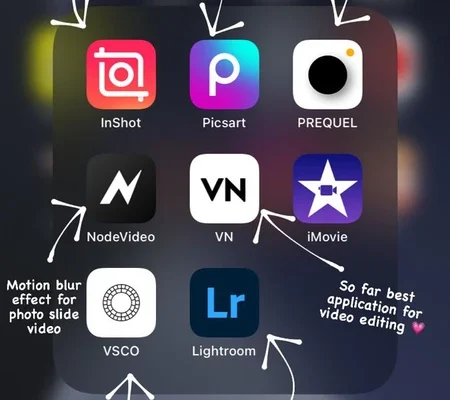
SnapRoamer.com – Photo editing apps have become indispensable in modern photography, bridging the gap between casual snapshots and professional-grade images. As digital photography evolves, users demand a blend of intuitive interfaces and sophisticated functionalities that cater to diverse skill levels—from social media enthusiasts seeking quick enhancements to professional photographers requiring detailed control over every pixel. Understanding the key features embedded in these apps is critical for selecting the right tool that aligns with individual editing goals, device platforms, and workflow preferences.
Leading photo editing software like Adobe Photoshop and Lightroom sets the benchmark with comprehensive toolsets and AI-powered enhancements, while mobile apps such as Snapseed and Airbrush prioritize accessibility and on-the-go adjustments. The integration of AI technologies has expanded the capabilities of photo editors, enabling automatic facial feature retouching, intelligent noise reduction, and seamless photo organization. This article explores the essential and advanced features to look for in photo editing apps, providing a detailed analysis grounded in expert opinions, industry data, and user experience.
Essential Features for All Users
The foundation of any effective photo editing app lies in its user interface and basic editing tools. A user-friendly interface ensures that both novices and intermediate users can navigate the app without steep learning curves. Key functionalities like cropping, brightness adjustment, contrast control, and color correction form the backbone of photo editing, offering users direct manipulation over image aesthetics.
Filters and preset options are popular among casual users and social media content creators, providing instant stylization without complex manual edits. Apps like Snapseed and Adobe Lightroom Mobile excel by combining preset filters with granular controls, allowing users to fine-tune effects such as saturation and exposure. Mobile app availability is crucial as it enables editing flexibility; users can perform quick adjustments directly on smartphones, a necessity underscored by Statista data showing over 70% of photo edits occur on mobile devices.
AI-Powered Enhancements
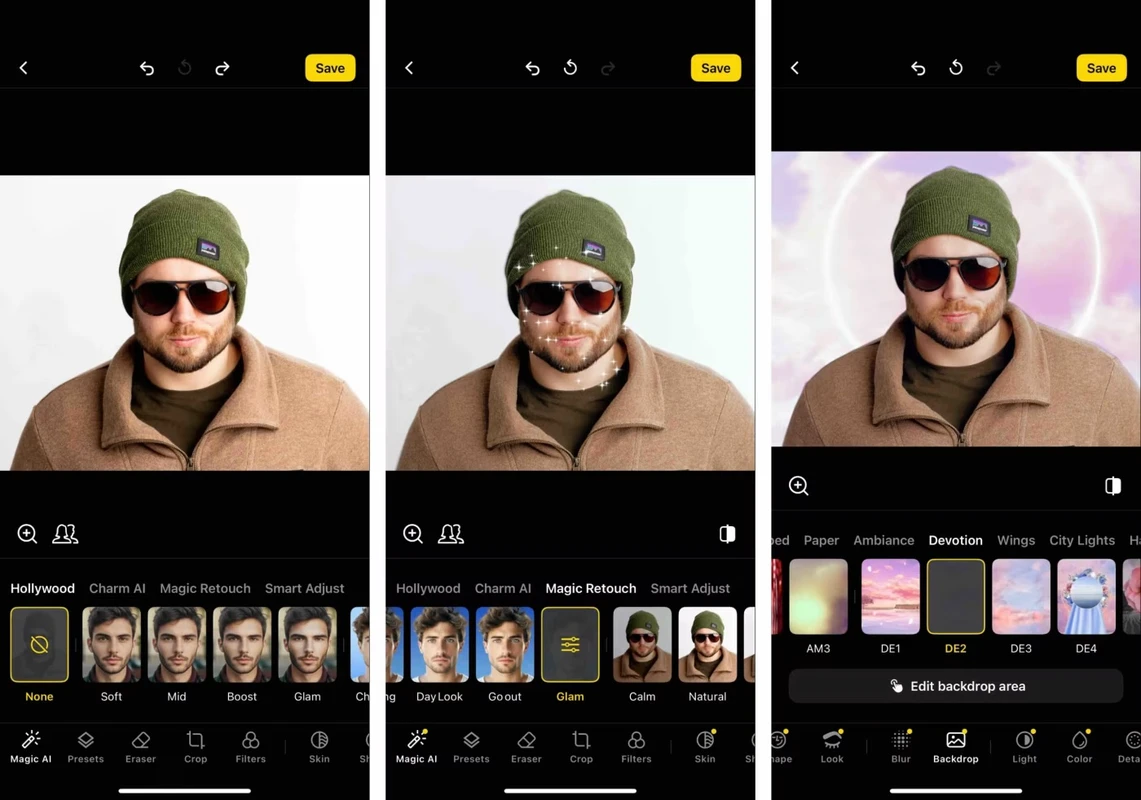
Artificial intelligence has revolutionized photo editing by automating complex tasks and enhancing image quality with minimal user input. Skin smoothing and blemish removal tools, as found in apps like Airbrush and Snow, use AI algorithms to deliver natural-looking retouching without the over-processed appearance common in earlier generations of editing software. The Soda app extends AI capabilities by providing automatic facial feature adjustments, reshaping contours and enhancing expressions with subtlety.
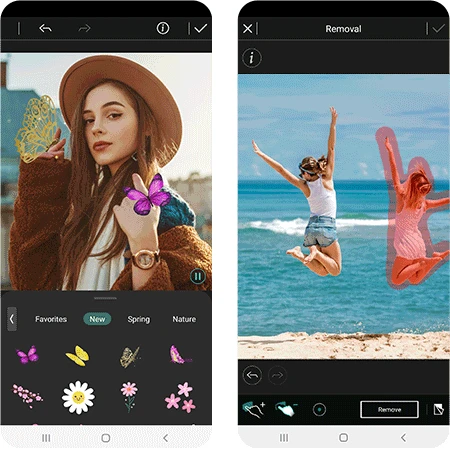
Advanced AI-driven noise reduction technologies, such as DxO PhotoLab’s DeepPRIME, analyze image data to reduce grain and artifacts while preserving fine details—a feature vital for photographers working with high-ISO or low-light RAW files. Furthermore, Adobe Sensei, Adobe’s AI engine, facilitates intelligent auto-tagging and photo organization, streamlining workflows by automatically categorizing images based on content and metadata. These AI enhancements not only improve efficiency but also democratize professional-quality editing for a wider user base.
Advanced Features for Enthusiasts and Professionals
Professional photographers and serious enthusiasts require advanced features that transcend basic edits. RAW file processing is fundamental, enabling non-destructive editing with greater dynamic range and color fidelity. Software like Affinity Photo and DxO PhotoLab offer robust RAW support, including HDR merging capabilities that blend multiple exposures for enhanced detail in shadows and highlights.
Layer and mask editing remain essential for complex compositions and selective adjustments. Adobe Photoshop and Affinity Photo provide extensive layer management tools, including blending modes and masking options, allowing precise control over individual image elements. Lens correction profiles and local adjustments refine images by compensating for optical distortions and enabling targeted edits to specific image areas.
Workflow efficiency is enhanced through tethering, batch editing, and cloud synchronization features. Capture One and Lightroom offer tethered shooting support, allowing photographers to view and edit images in real time during studio sessions. Batch editing accelerates processing of large photo sets, while cloud sync ensures seamless transition between desktop and mobile platforms, maintaining consistent edits and organization across devices.
Mobile Editing: Flexibility and Convenience
The proliferation of mobile editing apps caters to the growing demand for on-the-go photo enhancements. Snapseed stands out with its versatile toolkit, including selective adjustments, healing tools, and perspective correction, providing near-desktop quality edits on smartphones. Airbrush and Soda apps emphasize specialized retouching, such as skin smoothing and facial reshaping, optimized for social media-ready portraits.
Integration with desktop workflows is increasingly common, with apps like Adobe Lightroom mobile syncing edits and collections to the desktop application via cloud services. This hybrid approach enables quick fixes—such as cropping or exposure correction—on mobile devices, followed by detailed refinements on more powerful desktop software.
While mobile apps excel in convenience, they often balance simplicity against depth; some advanced features like complex layer editing or tethered shooting remain exclusive to desktop environments. Users must weigh the trade-offs between immediacy and comprehensive control when choosing mobile editors.
Choosing the Right Photo Editing App
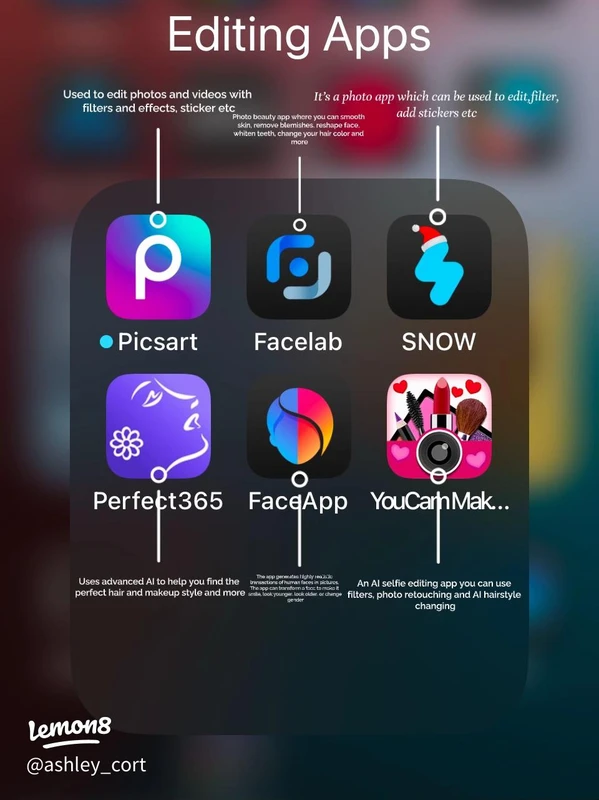
Selecting an appropriate photo editing app requires aligning features with skill levels and intended use. Beginners may prioritize apps with intuitive interfaces and robust preset libraries, such as Snapseed or Snow, which provide effective results with minimal manual intervention. Intermediate users benefit from tools offering more granular control, including Adobe Lightroom and Luminar Neo, which blend usability with advanced functionalities.
Professional photographers often require subscription-based software like Adobe Photoshop or Capture One, which deliver comprehensive toolsets and ongoing updates. However, one-time purchase options like Affinity Photo appeal to users seeking powerful capabilities without recurring fees. Social media editors may focus on apps that specialize in filters and facial retouching, while professionals emphasize RAW processing, color management, and workflow integration.
Cost structures and platform compatibility also influence decisions. Subscription models can offer value through cloud storage and cross-device editing, whereas standalone apps may provide sufficient features for non-professional workloads. Considerations such as mobile versus desktop usage and ecosystem integration play a significant role in building efficient photo editing workflows.
| App | Platform | Key Features | AI Enhancements | Pricing Model |
|---|---|---|---|---|
| Adobe Photoshop | Desktop, Mobile | Layer & Mask Editing, RAW Processing, Advanced Retouching | Adobe Sensei AI, Facial Feature Editing | Subscription |
| Adobe Lightroom | Desktop, Mobile | Photo Organization, Presets, Cloud Sync | Auto-Tagging, AI-Based Enhancements | Subscription |
| DxO PhotoLab | Desktop | RAW Conversion, Noise Reduction, Lens Correction | DeepPRIME AI Denoising | One-Time Purchase |
| Luminar Neo | Desktop | AI Sky Replacement, Layer Editing | AI-Based Masking, Enhancements | One-Time Purchase |
| Affinity Photo | Desktop, iPad | Layer Editing, RAW Processing, HDR Merge | Limited AI Features | One-Time Purchase |
| Airbrush | Mobile | Skin Smoothing, Blemish Removal | AI Retouching Tools | Freemium |
| Snapseed | Mobile | Selective Adjustments, Filters, Healing | Basic AI Enhancements | Free |
| Soda App | Mobile | Facial Feature Editing, Skin Retouching | AI Facial Adjustments | Freemium |
| Snow App | Mobile | Filters, Skin Smoothing, AR Effects | AI-Based Retouching | Freemium |
This table summarizes leading photo editing apps according to platform availability, primary features, AI integration, and pricing models, providing a clear overview for users to match tools with their requirements.
FAQ
What are the most important features to look for in a photo editing app?
Key features include an intuitive user interface, essential editing tools such as cropping, brightness, and color correction, alongside AI-powered enhancements like skin smoothing and noise reduction. Support for RAW file processing and layer editing is crucial for professional use.
How does AI improve photo editing applications?
AI automates complex tasks like blemish removal, facial feature adjustments, noise reduction, and photo organization, enhancing editing speed and quality. Technologies like Adobe Sensei and DxO’s DeepPRIME employ machine learning to deliver natural-looking results with minimal manual input.
Are mobile photo editing apps capable of professional-level edits?
Many mobile apps, such as Snapseed and Lightroom Mobile, offer advanced features including selective adjustments and RAW support, suitable for intermediate editing. However, certain high-level tools like complex layering and tethered shooting remain exclusive to desktop software.
What is the difference between subscription and one-time purchase photo editing software?
Subscription models provide regular updates, cloud syncing, and often bundled services, ideal for users needing continuous feature improvements. One-time purchases offer permanent access without recurring fees but may lack ongoing updates or cloud integration.
Which apps are best for quick social media photo edits?
Apps like Airbrush, Soda, and Snow specialize in AI-powered skin smoothing, facial retouching, and attractive filters, enabling fast and visually appealing edits tailored for social media platforms.
photo editing apps in 2026 offer a rich ecosystem of tools that cater to varying user needs, from basic adjustments to AI-powered professional enhancements. The future trajectory points toward deeper AI integration and seamless multi-platform workflows, empowering users to achieve high-quality edits with greater efficiency and creativity.
For further insights on top photo editing software, visit the PCMag’s best photo editing software guide. Detailed user experiences with popular apps can be explored at Project Vanity’s photo editing app reviews.