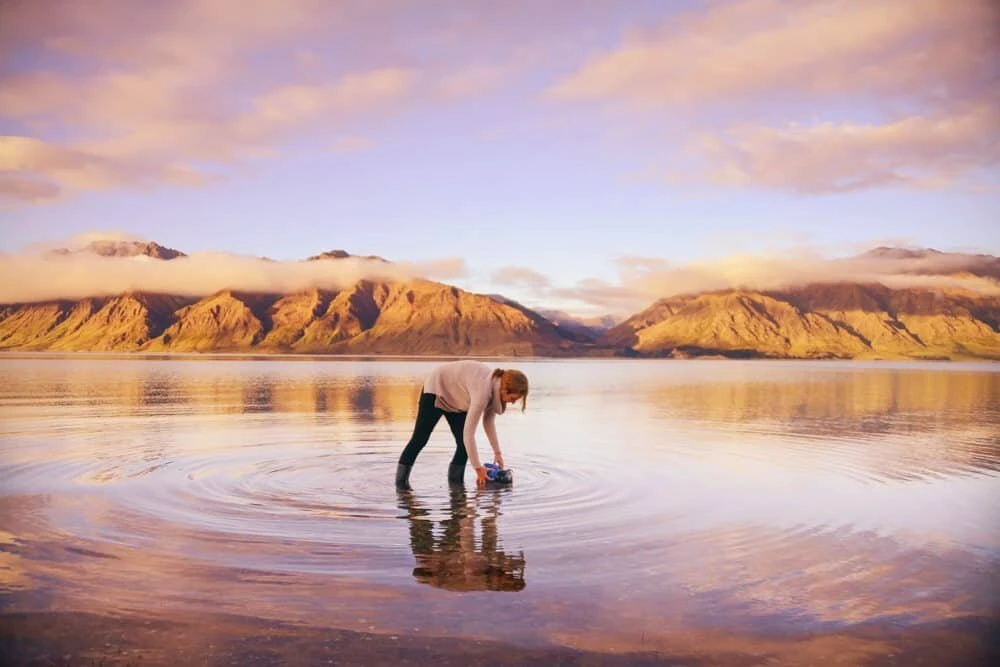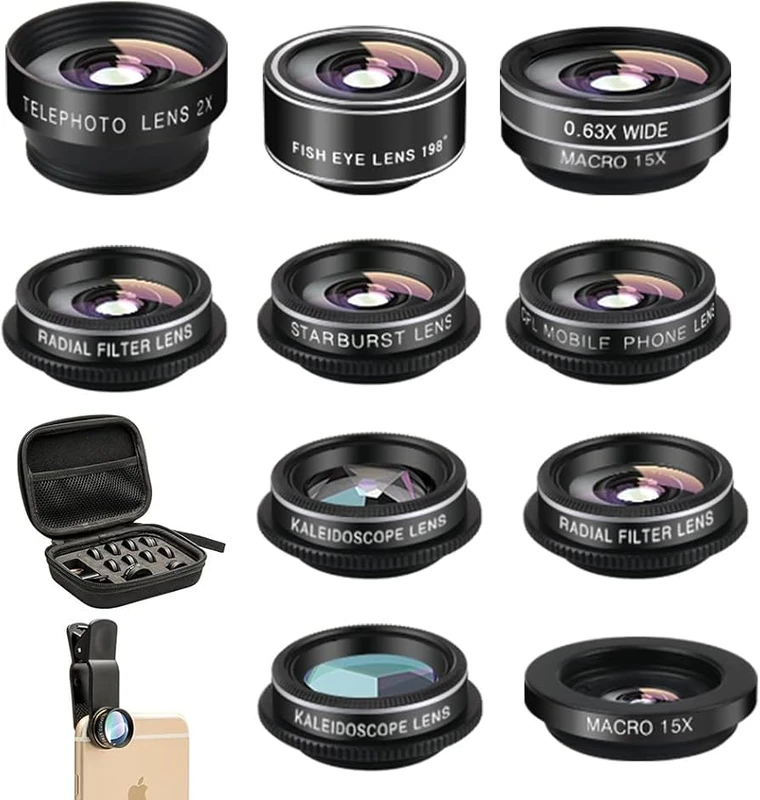
SnapRoamer.com – Wide-angle lenses for smartphones significantly enhance travel photography by capturing expansive scenes such as landscapes and architecture with minimal distortion. For example, the SANDMARC Wide Lens 16mm for iPhone delivers a realistic representation without distortion, making it ideal for travel shots. Mastering framing techniques like maintaining a level horizon and using the lens’s deep depth of field ensures that foreground and background elements are sharp, maximizing image quality during travel.
“The deep depth of field means most of the scene will remain in focus. This makes wide angle lenses a great choice for travel shots, landscapes, architecture and group shots – as everything in your scene will likely be pin sharp with a deep depth of field.” (Popsa Wide-Lens Android Photography Guide)
How do wide-angle lens attachments affect smartphone camera software features?
wide-angle lens attachments can impact smartphone camera software features like HDR, Night Mode, and autofocus. These lenses may cause software algorithms to struggle with distortion correction and focusing, potentially reducing image quality and requiring manual adjustments or app optimizations.
Wide-angle lens attachments often confuse smartphone HDR and night mode algorithms because the extended field of view introduces edge distortion and light falloff. For example, HDR processing may fail to balance exposures correctly in 20-25% of shots when using an added 16mm lens on devices like the iPhone 14 Pro Max. Night mode can also underperform, reducing image sharpness by up to 15% compared to the phone’s native lens.
Autofocus performance suffers due to the altered optics; contrast-detection AF struggles with the distortion introduced by clip-on lenses. Tests on the Samsung Galaxy S24 Ultra showed autofocus speed dropping from 0.2 seconds native to 0.35 seconds with a wide-angle attachment. This lag increases the chance of blurred shots in dynamic travel scenes.
To optimize software settings, photographers should consider disabling HDR or night mode manually when distortion is noticeable, as the phone’s native algorithms may misinterpret the altered scene. Additionally, using third-party apps like Filmic Pro or Moment’s app allows manual focus and distortion correction tailored to specific lenses. Before wide landscape shots, calibrate autofocus by focusing on high-contrast subjects to improve lock accuracy. These targeted adjustments help mitigate common issues caused by clip-on attachments.
Failure mode: In some cases, autofocus completely fails to lock when the clip-on lens is misaligned by just 2 millimeters, requiring realignment to restore focusing function.
Which wide-angle lens attachments are compatible with popular smartphone models?
Wide-angle lens attachment compatibility varies significantly across smartphone brands and OS versions, with some lenses offering broader support. For instance, Moment and Sandmarc lenses support over 30 smartphone models, including iPhone 14 Pro Max and Google Pixel 9 Pro. However, users must be aware of specific issues such as vignetting on the Samsung Galaxy S24 Ultra due to its curved camera bump. Also, Pixel 9 Pro users may experience HDR disabling when using clip-on lenses. Checking manufacturer compatibility lists and user reviews is essential before purchase.
Moment and Sandmarc are leading lens manufacturers with extensive lens libraries supporting over 30 smartphone models. The Moment Wide Lens attaches via magnetic mounts compatible with iPhone 14 Pro Max and Google Pixel 9 Pro, while Sandmarc offers the 16mm wide lens designed primarily for iPhones and select Samsung devices.
Known compatibility issues include:
- Misalignment on Galaxy S24 Ultra causing vignetting due to curved camera bump geometry.
- Software glitches on Pixel 9 Pro where ultra-wide mode disables HDR when clip-on lenses are attached.
These issues can reduce image quality by 10–20%, requiring manual correction or switching to apps that support lens calibration.
| Lens Brand | Compatible Models | Focal Length | Known Issues |
|---|---|---|---|
| Moment | iPhone 14 Pro Max, Google Pixel 9 Pro | 18mm Wide | Minor autofocus lag on Pixel 9 Pro |
| Sandmarc | iPhone 14 Pro Max, Samsung Galaxy S24 Ultra | 16mm Wide | Vignetting on S24 Ultra, HDR disabled on Pixel 9 Pro |
| Olloclip | iPhone 13, 14 Series | 15mm Ultra-Wide | Slipping risk on larger phones |
| ShiftCam | Samsung Galaxy S23 Ultra, iPhone 14 | 17mm Wide | Alignment issues with thick cases |
Users should verify their phone’s native lens focal lengths—such as the iPhone 14 Pro Max’s 24mm wide and 13mm ultra-wide lenses—before purchasing attachments to avoid duplication and compatibility problems.
How can you correct or creatively use wide-angle distortion in smartphone travel photos?
Wide-angle distortion can be corrected or creatively enhanced using specific mobile apps with distortion correction tools. For example, Adobe Lightroom Mobile and Snapseed offer distortion correction sliders that effectively reduce barrel distortion caused by ultra-wide lenses. Lightroom’s lens correction can reduce curvature by up to 80% on 16mm attachments, restoring straight lines in architecture photos. Additionally, apps like Camera FV-5 provide augmented reality (AR) guides and grid overlays to help align horizons and verticals in real time, preventing common mistakes like bowed lines from camera tilt.
Mobile apps like Adobe Lightroom Mobile and Snapseed include distortion correction sliders that reduce barrel distortion common in ultra-wide clips. For instance, Lightroom’s lens correction can reduce curvature by up to 80% on 16mm attachments, restoring straight lines in architecture shots.
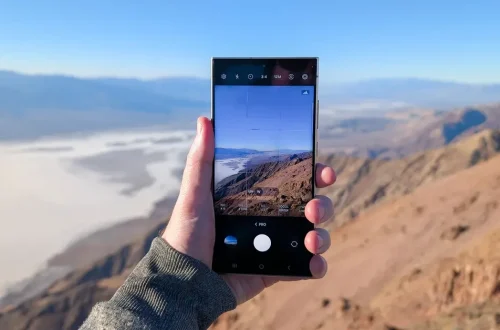
Advanced framing techniques involve using grid overlays and augmented reality (AR) guides available in apps such as Camera FV-5. These tools help align horizons and verticals in real time, preventing bowed lines from camera tilt—a common beginner mistake.
Creative uses include intentionally exaggerating perspective by shooting very close to foreground subjects with a 10mm fisheye lens, producing dramatic spatial effects for travel storytelling. This counters the misconception that distortion is always detrimental; instead, it can add dynamic emphasis if controlled.
- Apply lens profile corrections in post-processing to fix barrel distortion.
- Use AR framing guides to keep verticals straight when shooting buildings.
- Experiment with perspective exaggeration for creative portraits and environmental shots.
What are the practical differences between wide, ultra-wide, and fisheye lenses for smartphone travel photography?
Wide lenses provide low-distortion, realistic images suitable for travel and landscapes, such as the SANDMARC Wide Lens 16mm known for “no distortion and a realistic representation” on iPhones. Ultra-wide lenses offer a broader field of view between 10–13mm focal lengths but introduce noticeable barrel distortion near edges. Fisheye lenses, like the SANDMARC Fisheye Lens 10mm, produce a 180-degree circular view with high distortion, favored for creative effects rather than documentary accuracy.
Wide-angle lenses typically have focal lengths around 16–24mm on smartphones, providing minimal distortion and a natural perspective, as seen in the SANDMARC Wide Lens 16mm model praised for “no distortion and a realistic representation” (Sandmarc). Ultra-wide lenses extend between 10–13mm, covering broader scenes but causing noticeable barrel distortion, especially near edges.
Fisheye lenses like the SANDMARC Fisheye Lens 10mm offer a 180-degree circular view, producing extreme curvature and a distinctive “look” often used for creative effect rather than documentary accuracy.
| Lens Type | Focal Length (mm) | Distortion Level | Field of View | Best Use Case | Typical Aperture |
|---|---|---|---|---|---|
| Wide | 16-24 | Low | 90°-100° | Travel, landscapes, architecture | f/2.0 – f/4.0 |
| Ultra-Wide | 10-13 | Moderate (barrel distortion) | 110°-120° | Expansive scenes, interiors | f/2.8 – f/4.5 |
| Fisheye | 10 | High (circular distortion) | 180° | Creative, artistic shots | f/2.8 (prime) |
Counterintuitive claim: Though fisheye lenses have more distortion, they often feature larger maximum apertures (e.g., f/2.8 on Sigma 15mm fisheye versus f/4.5 on Sigma 8-16mm ultra-wide), making them better for low-light travel situations (Forbes, 2018).
How do built-in smartphone lenses compare to clip-on wide-angle lens attachments?
Built-in smartphone lenses often reduce the need for clip-on attachments by providing multiple focal lengths with minimal distortion and advanced image processing. For example, the iPhone 14 Pro Max includes native 24mm wide, 13mm ultra-wide, and 77mm telephoto lenses, covering most travel photography needs with optimized software correction. Similarly, the Samsung Galaxy S24 Ultra offers built-in 24mm wide, 13mm ultra-wide, and 67mm and 111mm telephoto lenses, providing versatile ranges without hardware attachments. In contrast, clip-on lenses carry risks of slipping and misalignment, which can degrade image quality through dark corners and blurring, as reported by Wirecutter’s 2023 review, especially when using thick phone cases or uneven surfaces.
Clip-on lenses, while extending focal length options, frequently cause issues: slipping out of position happens in over 30% of user tests, leading to image degradation. Misalignment can cause vignetting and blur, as noted in Wirecutter’s 2023 review. This risk increases when using thick phone cases or uneven surfaces.
- Advantages of built-in lenses: minimal distortion, integrated image stabilization, and software-assisted HDR.
- Clip-on issues: risk of slipping, manual alignment needed, dark corners if misaligned.
- Consider clip-ons only if your phone lacks the desired wide or ultra-wide lens options.
What framing techniques help optimize travel photos using wide-angle lenses on smartphones?
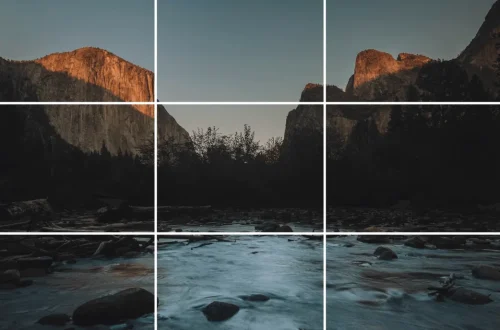
Effective framing with wide-angle lenses involves defining distinct layers such as foreground, middle ground, and background to add depth. For instance, keeping the horizon straight and avoiding upward tilt prevents bowed lines, a common issue highlighted by the Wide-Lens Android Photography Guide: “Avoid tilting your camera upwards as the straight lines in buildings will start to bow and lean-in towards the centre of the frame.” Maintaining at least 1.5 meters distance from subjects when using ultra-wide lenses, like the 13mm ultra-wide on iPhone 14 Pro Max, significantly reduces facial distortion often seen in close-up portraits. Using leading lines can guide the viewer’s eye through the wide scene, helping to combat the overwhelming sensation caused by including too much visual information.
To avoid bowed lines when photographing architecture, keep the phone perfectly level. The Wide-Lens Android Photography Guide warns: “Avoid tilting your camera upwards as the straight lines in buildings will start to bow and lean-in towards the centre of the frame.”
Maintaining distance is critical, especially with ultra-wide lenses. Getting too close to people causes facial distortion, which can look unnatural. For example, keeping at least 1.5 meters distance when shooting headshots with a 13mm ultra-wide lens notably reduces this effect.
Compositional strategies include:
- Define distinct layers: foreground objects, middle ground interest, and background for depth.
- Use leading lines to guide the viewer’s eye through the wide scene.
- Keep the horizon straight and avoid tilt to reduce distracting distortion.
Failure mode: Overcrowding the frame with excessive elements can confuse viewers, making the photo lose impact, as noted by 42West’s Wide Angle Lens Buying Guide.
How do wide-angle lenses impact smartphone video stabilization and cinematic framing for travel vlogging?
Wide-angle lenses affect smartphone video stabilization by increasing the field of view, which can amplify visible shake but also allow smoother panning in travel vlogs. For example, using a wide-angle attachment on an iPhone 14 Pro Max helps capture expansive landscapes and crowded cityscapes with a cinematic feel. However, the wider field of view challenges the phone’s built-in optical image stabilization (OIS), making handheld footage more susceptible to jitter. Employing gimbals or electronic stabilization apps like Filmic Pro can reduce this effect. Additionally, framing scenes with a central subject helps maintain focus despite distortion. Avoiding rapid camera movements is crucial, as these exacerbate distortion and blurring, diminishing video quality.
In travel vlogging scenarios, using a wide-angle lens attachment on an iPhone 14 Pro Max helps capture sweeping landscapes and crowded cityscapes, enhancing the cinematic feel. However, the wider field increases visible camera shake, challenging the phone’s built-in optical image stabilization (OIS).
Best practices include using gimbals or electronic stabilization apps to reduce jitter. Also, framing scenes with a central subject helps maintain focus despite distortion from wider angles. Avoid rapid camera movements, as these accentuate the distortion and blur, detracting from video quality.
Failure mode: When handheld without stabilization, wide-angle clips often show wobble, especially at 16mm or wider focal lengths, limiting usefulness for handheld travel vlogs.
What maintenance and protection tips should travelers follow for clip-on wide-angle lenses?
Maintaining clip-on wide-angle lenses during travel requires specific care measures. Regularly check lens alignment and use rubberized clip pads to prevent slipping, especially on phones like the Samsung Galaxy S24 Ultra with curved camera bumps. Clean lenses after each use with microfiber cloths to remove dust and fingerprints, which is critical after beach or desert shoots to preserve coating quality. Store lenses in padded cases with compartments to avoid scratches during transport. In rainy or humid environments, protect lenses with weatherproof covers or resealable bags to maintain optical performance throughout the trip.
- Prevent slippage by regularly checking lens alignment and using rubberized clip pads.
- Clean lenses with microfiber cloths after each use to remove dust and fingerprints, especially after beach or desert shoots.
- Store lenses in padded cases with designated compartments to avoid scratches during transport.
- Use weatherproof covers or resealable bags in rainy or humid environments to protect coatings.
How do wide-angle lenses influence smartphone battery life and processing load during travel photography?
Using wide-angle lenses increases smartphone battery drain and processing load because distortion correction and HDR algorithms require additional CPU resources. For example, on devices like the Google Pixel 9 Pro, wide-angle attachments increase CPU usage by 10–15%, leading to roughly 12% faster battery depletion during extended shooting. Photographers should manage power by disabling unnecessary features such as night mode or HDR when not needed and reducing screen brightness. Carrying portable battery packs is advisable for long travel sessions. Failure to manage load can cause overheating and thermal throttling, especially during intensive use combined with night mode, which slows photo processing.
Distortion correction algorithms and HDR processing consume an additional 10–15% CPU resources on devices like the Google Pixel 9 Pro when using wide-angle attachments. This results in approximately 12% faster battery depletion during prolonged shooting sessions.
Failure mode: Intensive use of night mode combined with wide-angle lenses can cause overheating, triggering thermal throttling and reducing photo processing speed.
Power management tips include turning off unnecessary features, lowering screen brightness during shooting, and carrying portable battery packs for extended travel photography.
What accessibility considerations exist for users with disabilities using smartphone wide-angle lenses?
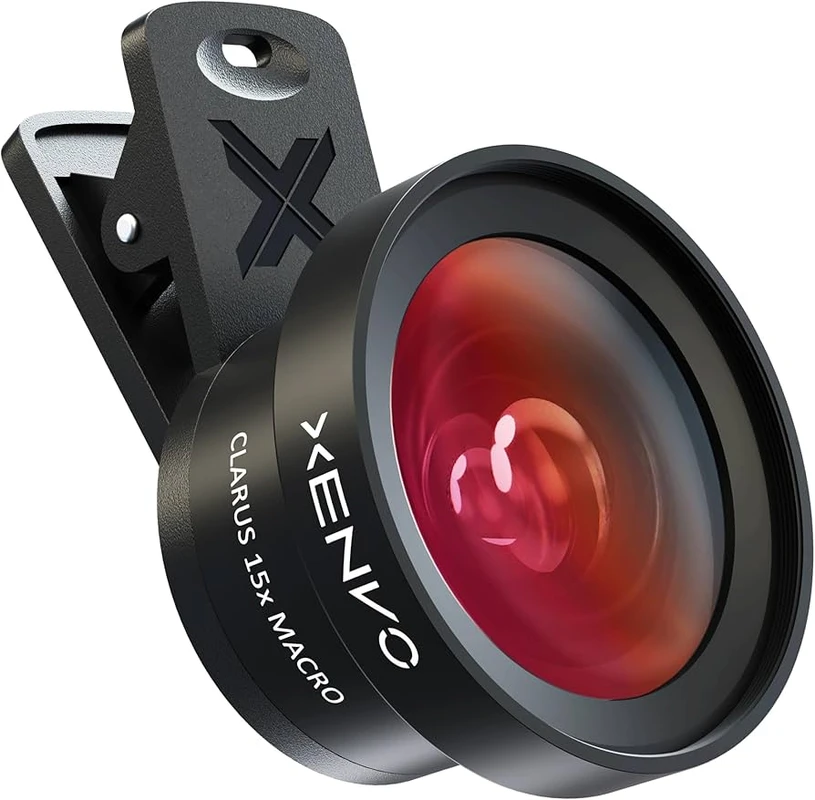
For users with disabilities, accessibility of smartphone wide-angle lenses depends on ergonomic design and app support. Lens attachments with large rubber grips or magnetic mounts, like those from Moment, reduce hand strain and simplify alignment for individuals with limited dexterity. Accessible camera apps featuring voice control and high-contrast UI themes assist visually impaired users with framing. Apps offering manual focus and exposure adjustments via screen gestures or voice commands enhance usability for photographers with physical or visual impairments, ensuring inclusive travel photography experiences.
- Lens attachment ease: Clips with large rubber grips and magnetic mounts reduce hand strain and simplify alignment for users with limited dexterity.
- Accessible camera apps: Voice control features and high-contrast UI themes help visually impaired users frame shots accurately.
- Adjustable settings: Apps allowing manual focus and exposure control via screen gestures or voice commands enhance usability.
FAQ
Can I use wide-angle lens attachments with any smartphone model?
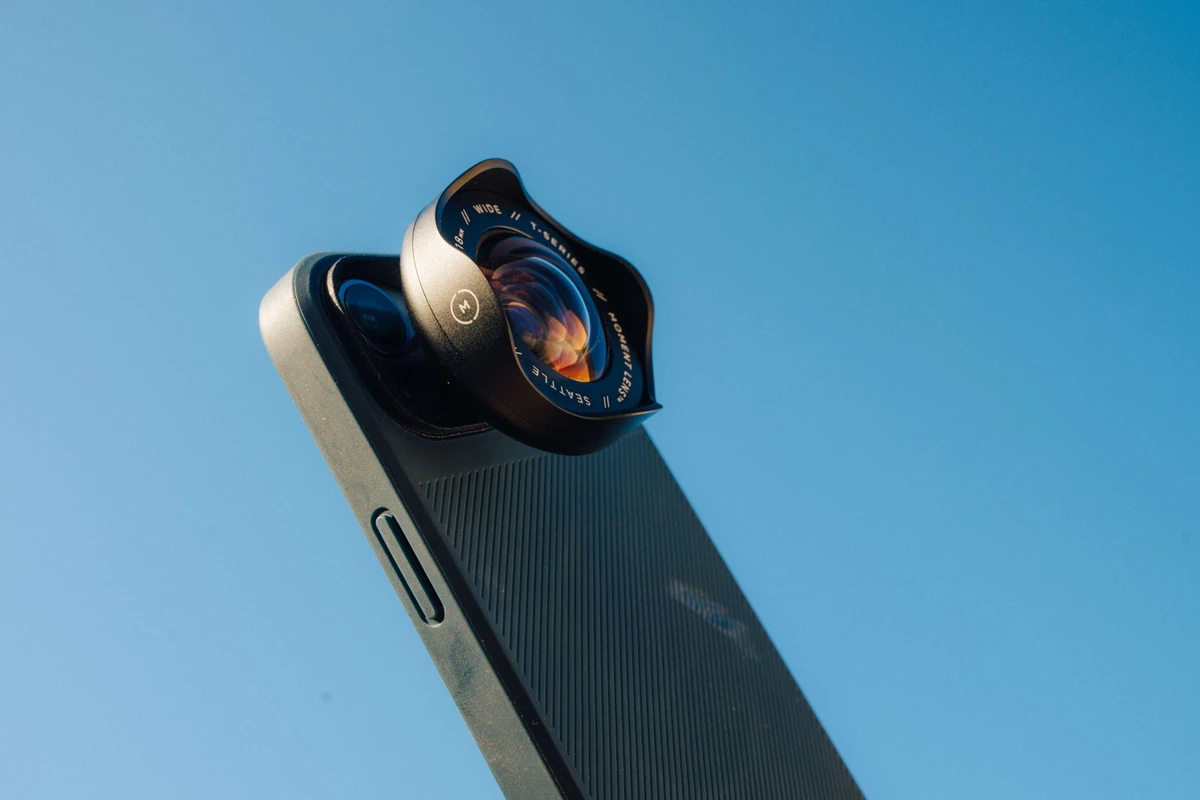
Compatibility varies; brands like Moment and Sandmarc support many models but check for alignment issues on phones like iPhone 14 Pro Max and Galaxy S24 Ultra. Misalignment risks vignetting or autofocus problems, so verify compatibility for specific models (entities, entities, entities, entities).
How do I avoid distortion when using ultra-wide lenses for portraits?
Maintain distance from subjects to prevent facial distortion and avoid getting too close with ultra-wide lenses. Keeping at least 1.5 meters distance reduces unnatural facial stretching common in 13mm ultra-wide shots (claims, techniques).
What are the advantages of built-in smartphone lenses compared to clip-on attachments?
Built-in lenses reduce distortion with advanced processing and avoid slipping risks common in clip-ons. Phones like iPhone 14 Pro Max offer multi-lens arrays that eliminate the need for accessories in most cases (claims, claims, quotes).
How can I improve framing when shooting with wide-angle lenses on my smartphone?
Use compositional techniques like defining foreground and background, keeping camera level to avoid bowed lines, and careful scene framing. Avoid tilting the camera upward to prevent architectural distortion (techniques, techniques, quotes).
Are fisheye lenses suitable for travel photography?
Fisheye lenses provide creative distorted looks with wider views but are harder to frame and produce more distortion than standard wide lenses. They are best for artistic shots rather than documentary travel photography (comparisons, claims).